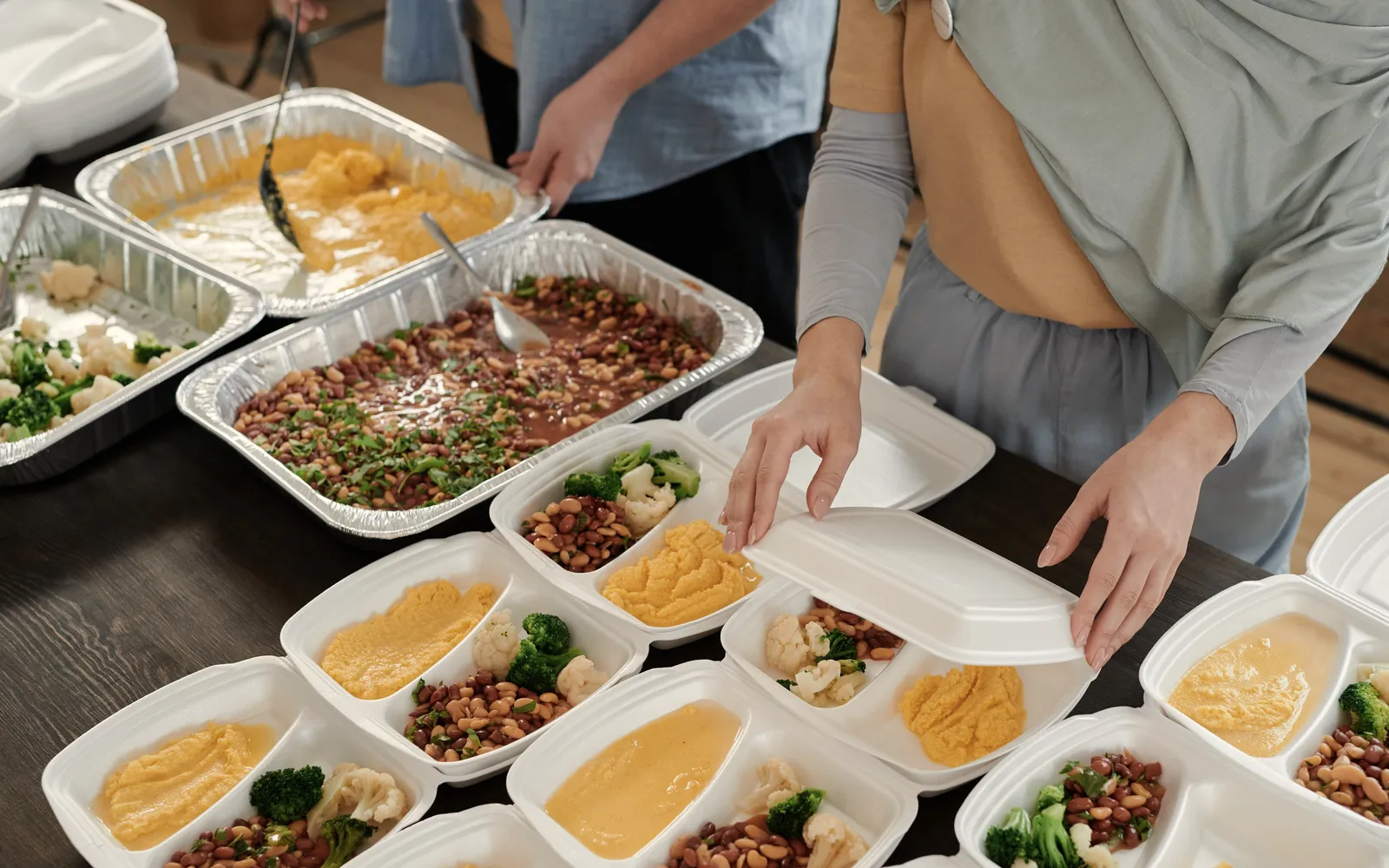
Someone copies the order into a list.
The kitchen waits.
Operations and supply
A Shopify order arrives in Beezr by webhook and becomes a production job with its recipe. Materials come off stock as the work is logged, and low stock opens the next purchase before the shelf is empty.
Food orders reach production in minutes, not hours, at a food manufacturer in the UAE.
The store has the order. The floor has a spreadsheet. We bring them together.
The kitchen waits.
Output and material consumption drift apart.
Production waits for replenishment.
The order must carry its materials.
We join these patterns around one order.
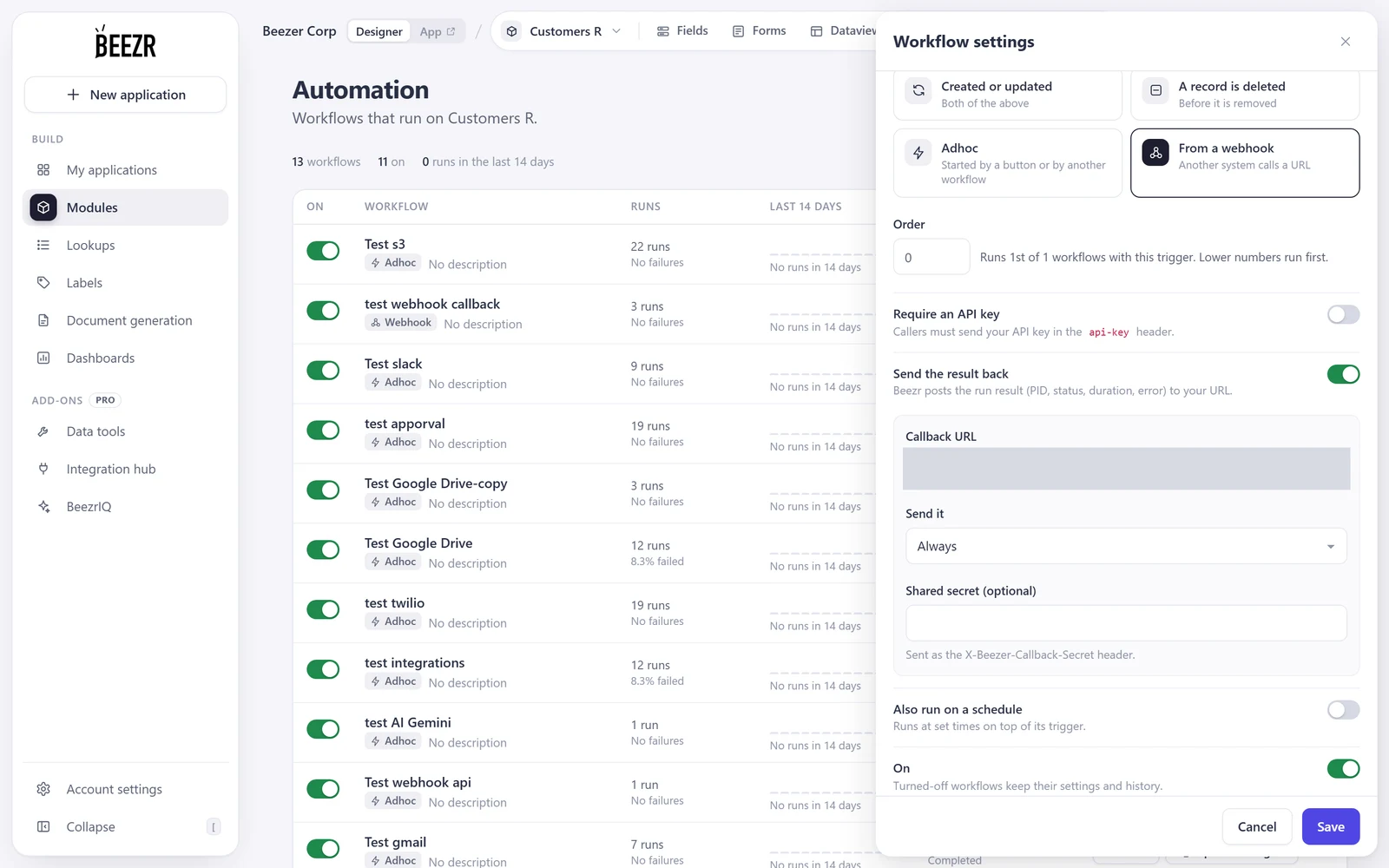
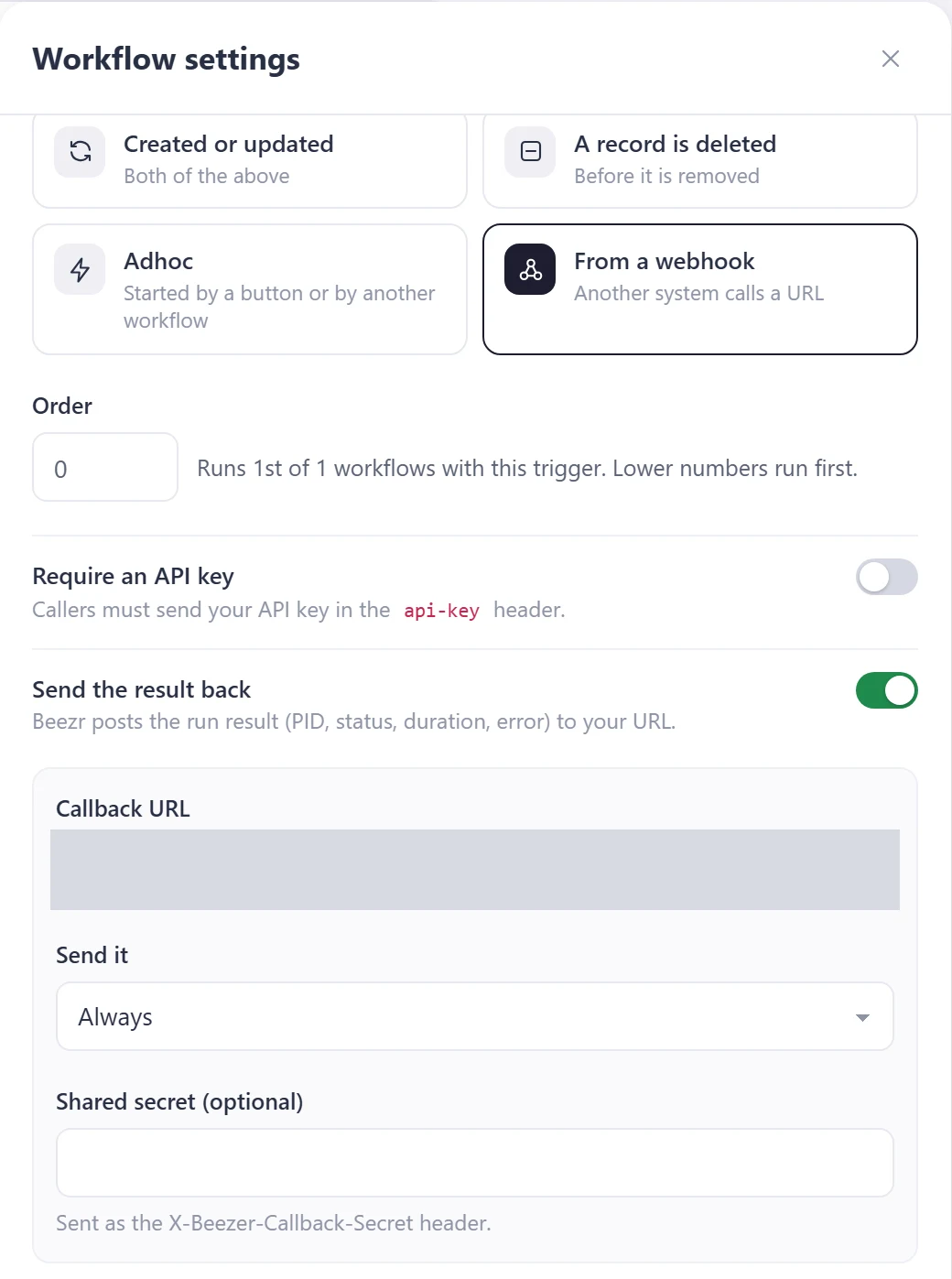
Shopify sends the order by webhook. Beezr records it for production.
A webhook trigger starts the order workflow.
Products supply recipes. Bundles break into components.
The workflow reads linked product and recipe records.
Production deducts raw materials. Movements are recorded against their store.
Stock movements keep workflow approvals and history.
The team logs waste quantities and reasons. Managers review losses.
Waste forms feed quantity and reason into reports.
A material reaches its threshold. An alert starts purchasing.
Low-stock alerts start a procurement workflow.
Dispatch generates a digital manifest. The farm assigns trucks and drivers by rule.
The workflow generates manifests and assigns transport.
Stock follows the order.
| Before | With Beezr |
|---|---|
| Orders copied to lists | Orders become production jobs |
| Usage reconciled after counting | Materials deducted during production |
| Waste found in scattered notes | Waste with reasons |
| Purchasing starts after a shortage | Low-stock alerts start the procurement workflow |
An ERP brings controls. Spreadsheets are familiar. Compare order flow.
| Question | ERP manufacturing module | Spreadsheets | Beezr |
|---|---|---|---|
| Production model | Established manufacturing structures | Recipes in sheets | Your recipes and product records |
| Order intake | Store integration configured | Orders copied or imported | Shopify orders by webhook |
| Material use | Inventory transactions | Counts and calculations | Deduction during production |
| Purchasing | ERP purchasing workflow | A separate purchasing list | Low-stock alerts into procurement |
| Process changes | Module configuration | Edit the workbook | Edit records and workflow rules |
We reuse intake and stock movements. Waste and purchases attach to production.
Connect accounting through the Integration Hub or REST step. Use a Web Agent without APIs.
Order to production
Also runs manufacturing
Stock movements
Also runs farm stores
Waste tracking
Also runs pack-house trim loss
Purchase orders
Also runs procurement
Cost tracking
Also runs custom jobs
Dispatch and fleet
Also runs farm shipments
Yes. Products carry recipes. Bundles break into components. Custom orders carry design notes.
We build around your production records and connect accounting through its API.
Yes. Batches trace to supplier and warehouse. Farm produce traces to its field.
Your first process is running in weeks.
Yes. Start with order intake or stock movements, then attach the next process.
Yes. Upload your Excel records through the import template.
Yes. Rules and access differ by department or entity.
Yes. Users choose Arabic or English, including right-to-left layouts.
Yes. Through the Integration Hub, via an aggregator or your WhatsApp Business account.
In your Beezr workspace, with permissions and history. Beezr Shield encrypts fields.
Bring order intake or a stock movement. We get it running in weeks. The next attaches.