Skip to content

Beezr Mobile App

Your work, wherever you are.

The Beezr Mobile App puts every application your team builds in Beezr on the phone, with the same records, rules and permissions as the web. People approve requests, open and create records, scan items into a form, read reports, and get notified the moment work arrives. It installs from the browser, with no app store, and every Beezr workspace has it.

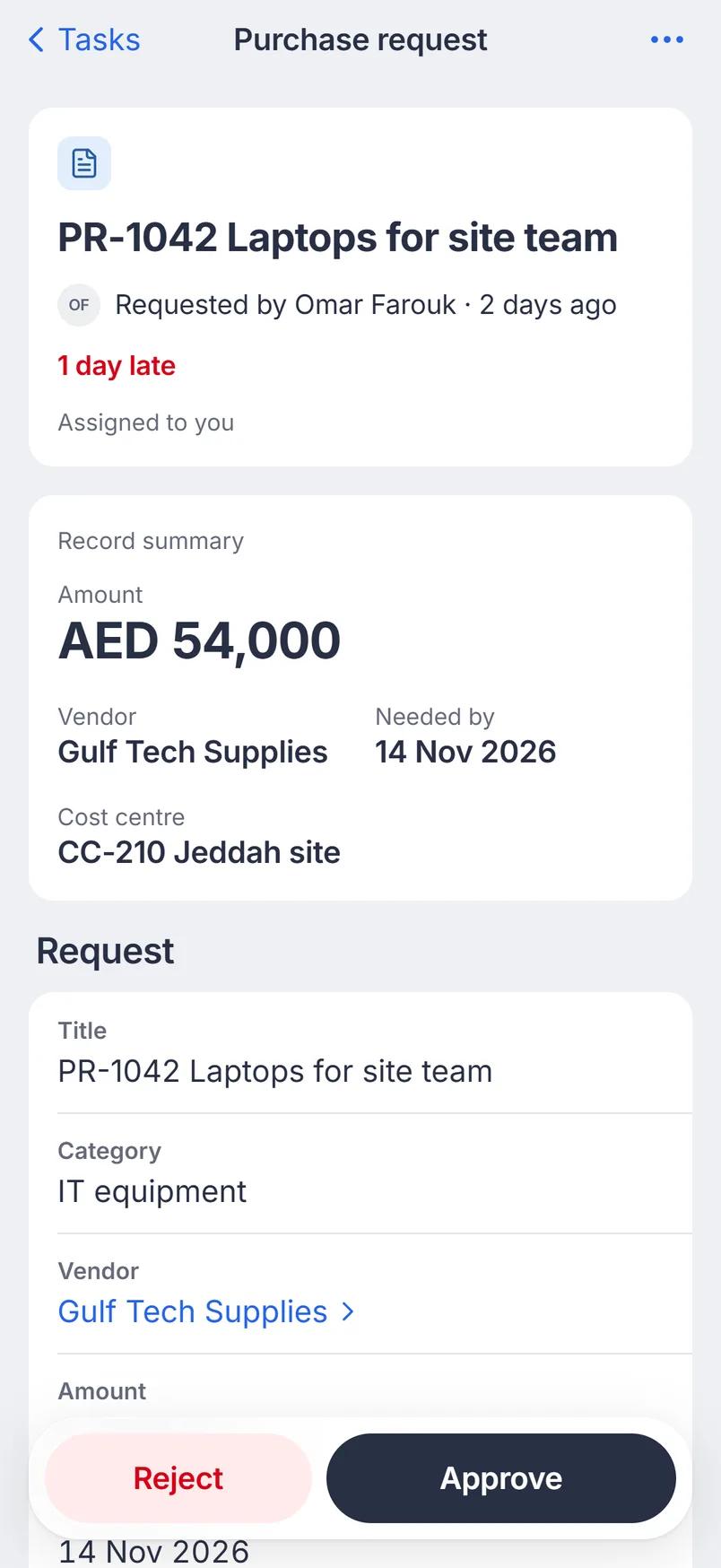
A purchase request task with Approve and Reject at the bottom
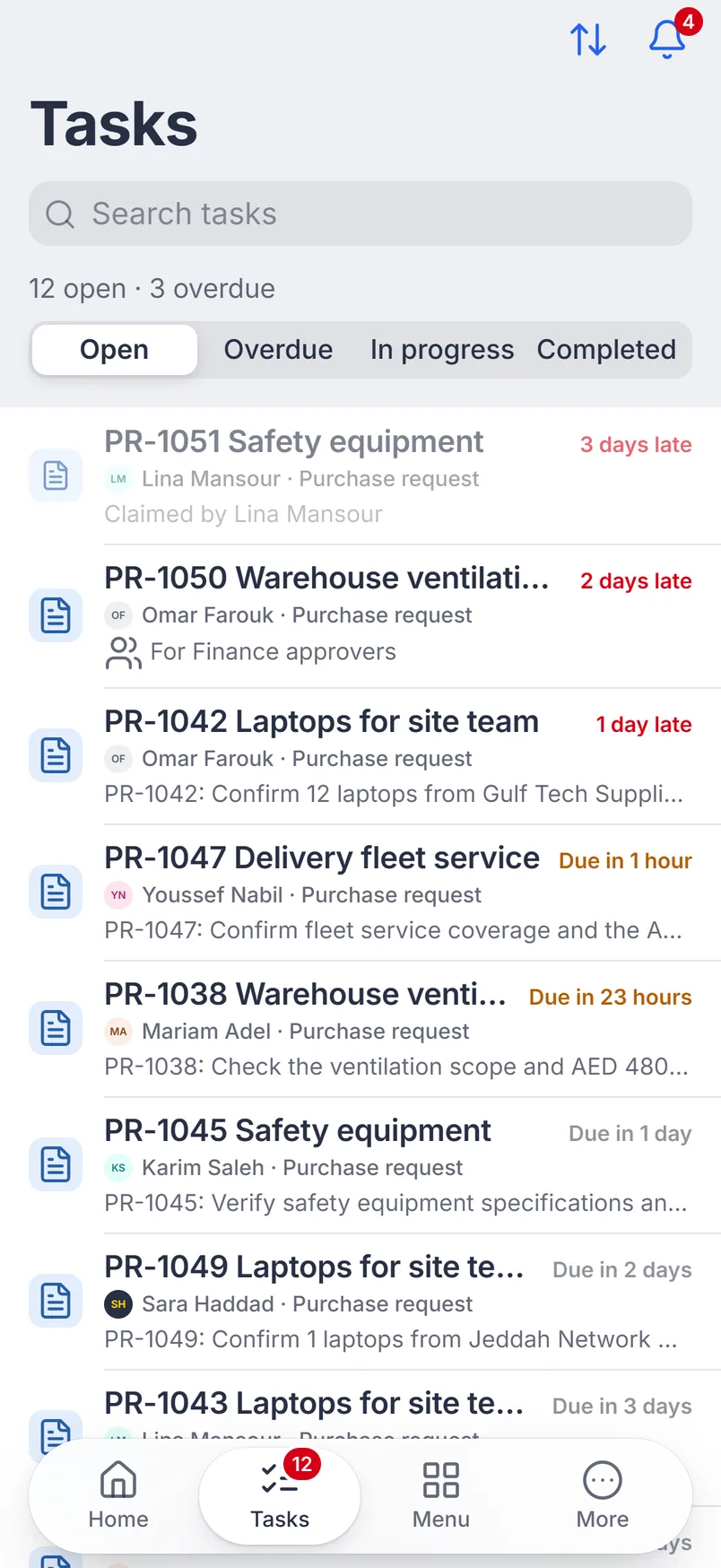
The Tasks inbox: twelve open purchase requests, three overdue
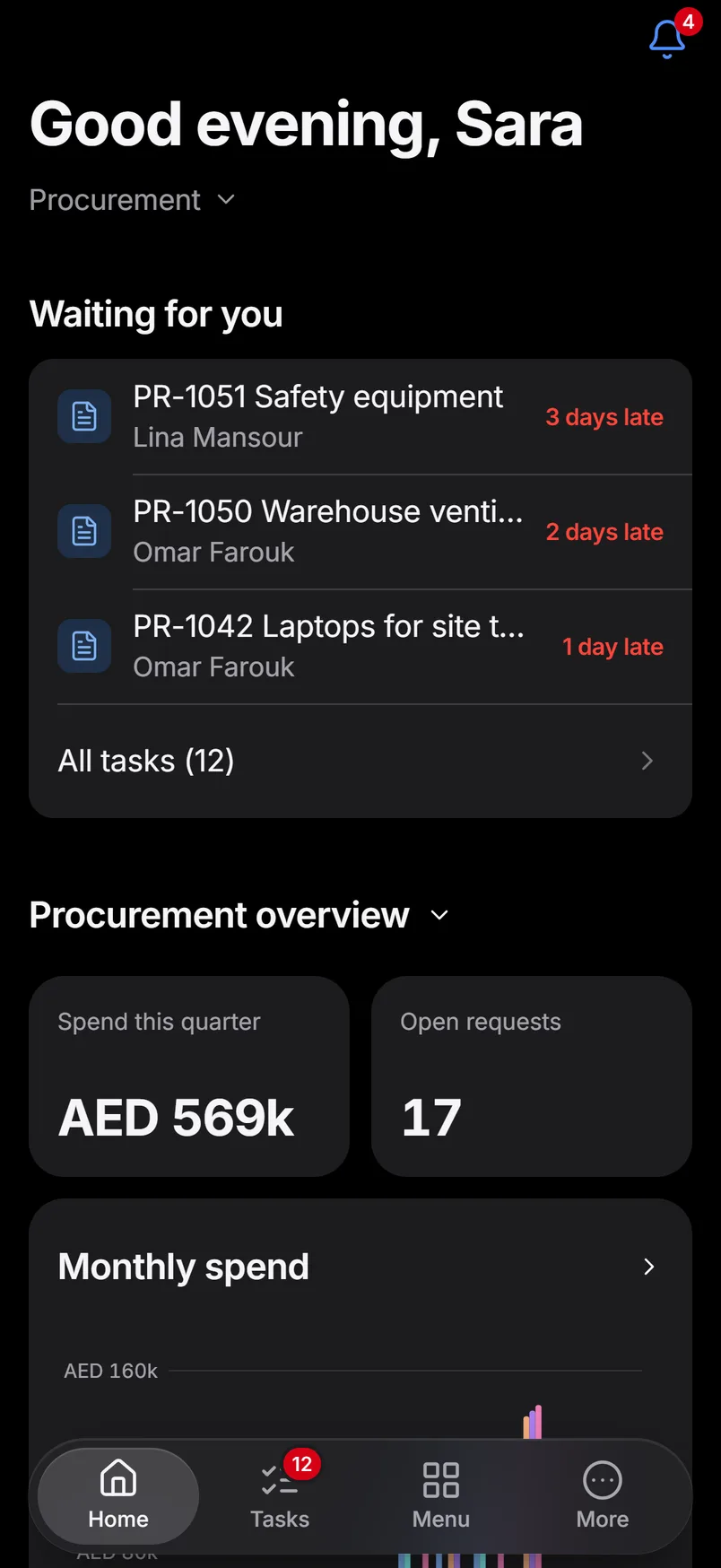
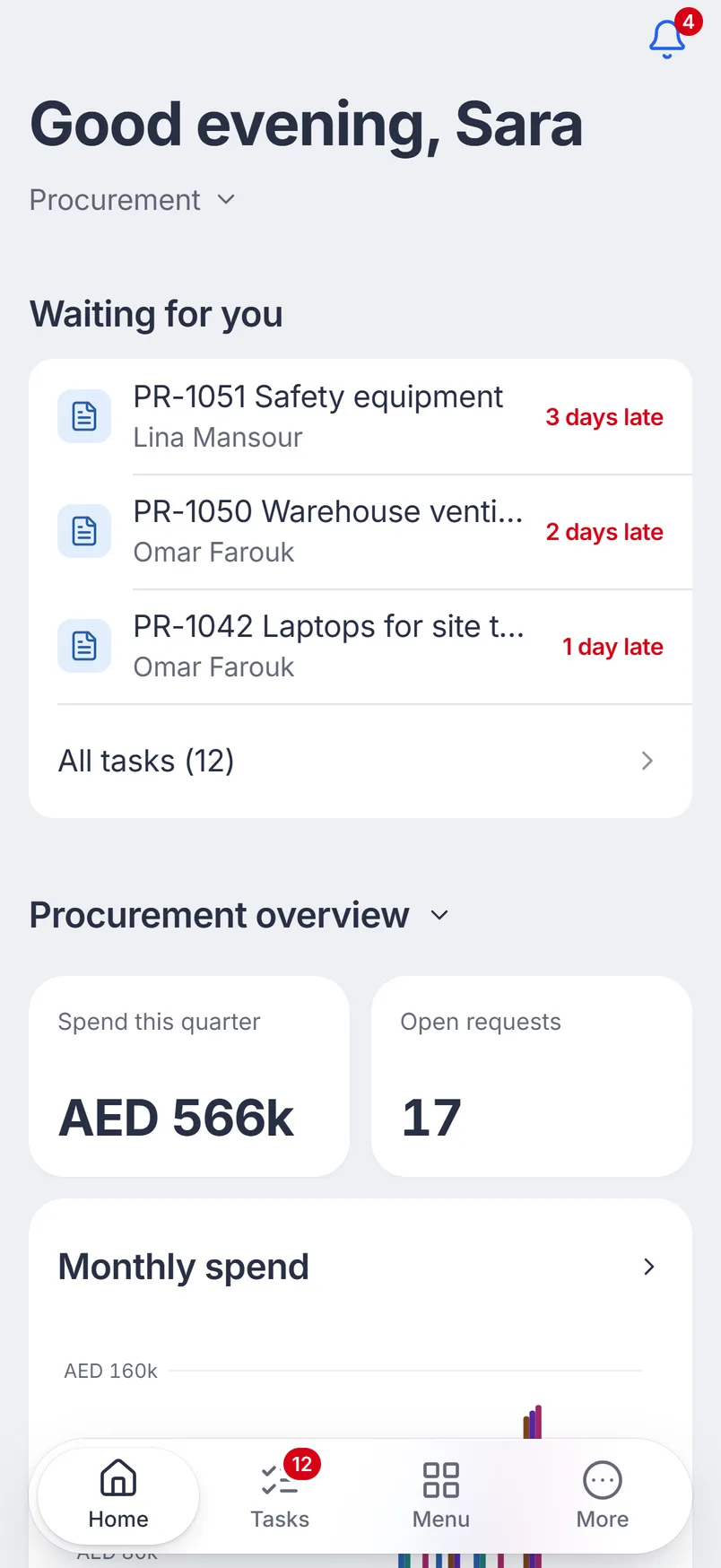
Home: tasks waiting, spend this quarter AED 569k and 17 open requests

A procurement manager’s morning in the Beezr Mobile App. Purchase requests waiting, one decision, the numbers behind them.

Nothing extra to build

Every application you build in Beezr appears on the phone as soon as it exists: the same modules, forms, views and rules. You don’t design a second app, and nothing has to be kept in sync.

Fields are drawn for touch: dates open a calendar, lookups a picker, related records a search, and line items become cards with a quantity stepper.

  • Same permissionswhat someone can’t see on the web, they can’t see on the phone.
  • Same rulesrequired fields, defaults and form rules run as they do on the web.
  • Every field typetext, numbers, dates, lookups, related records, files, signatures, barcodes and line items.
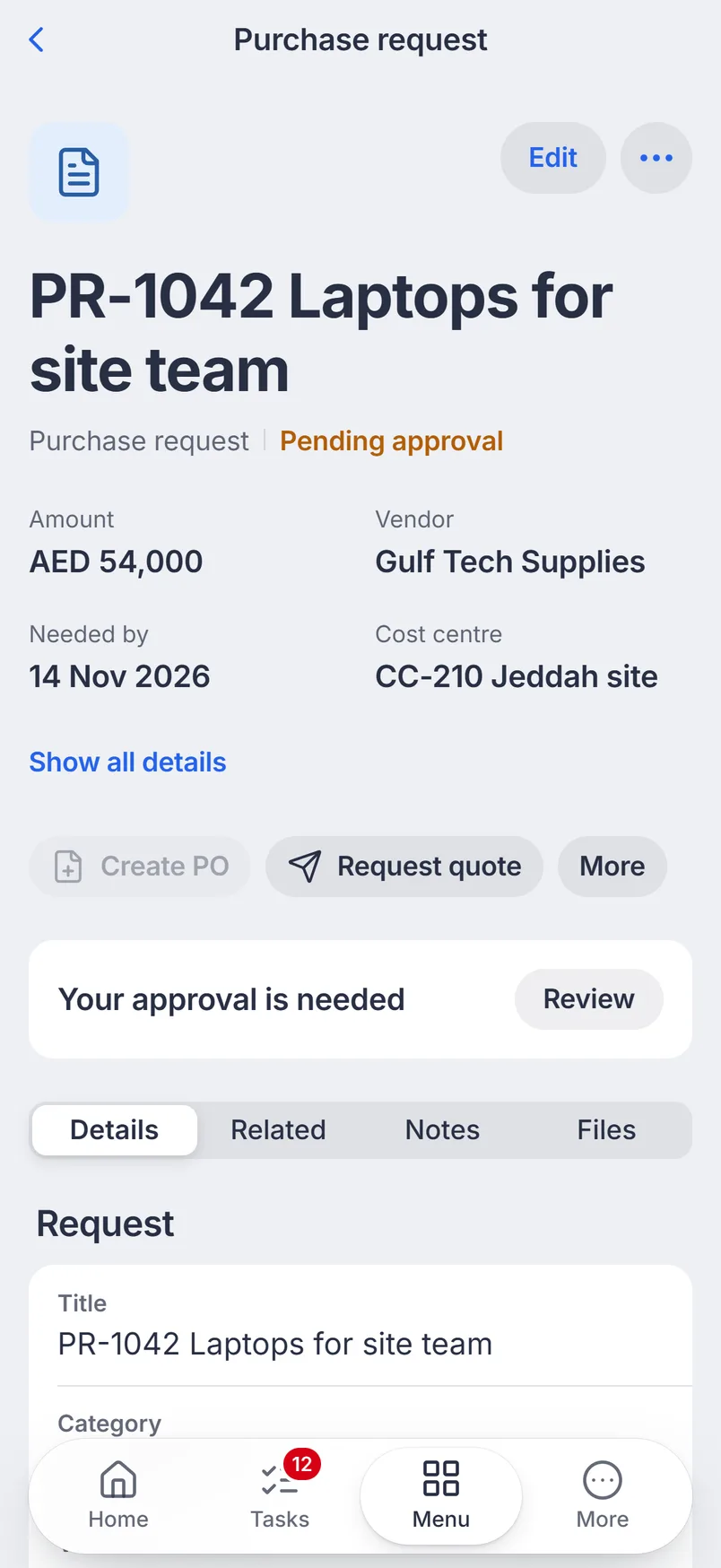
A purchase request record in the Beezr Mobile App: PR-1042 Laptops for site team, AED 54,000, pending approval
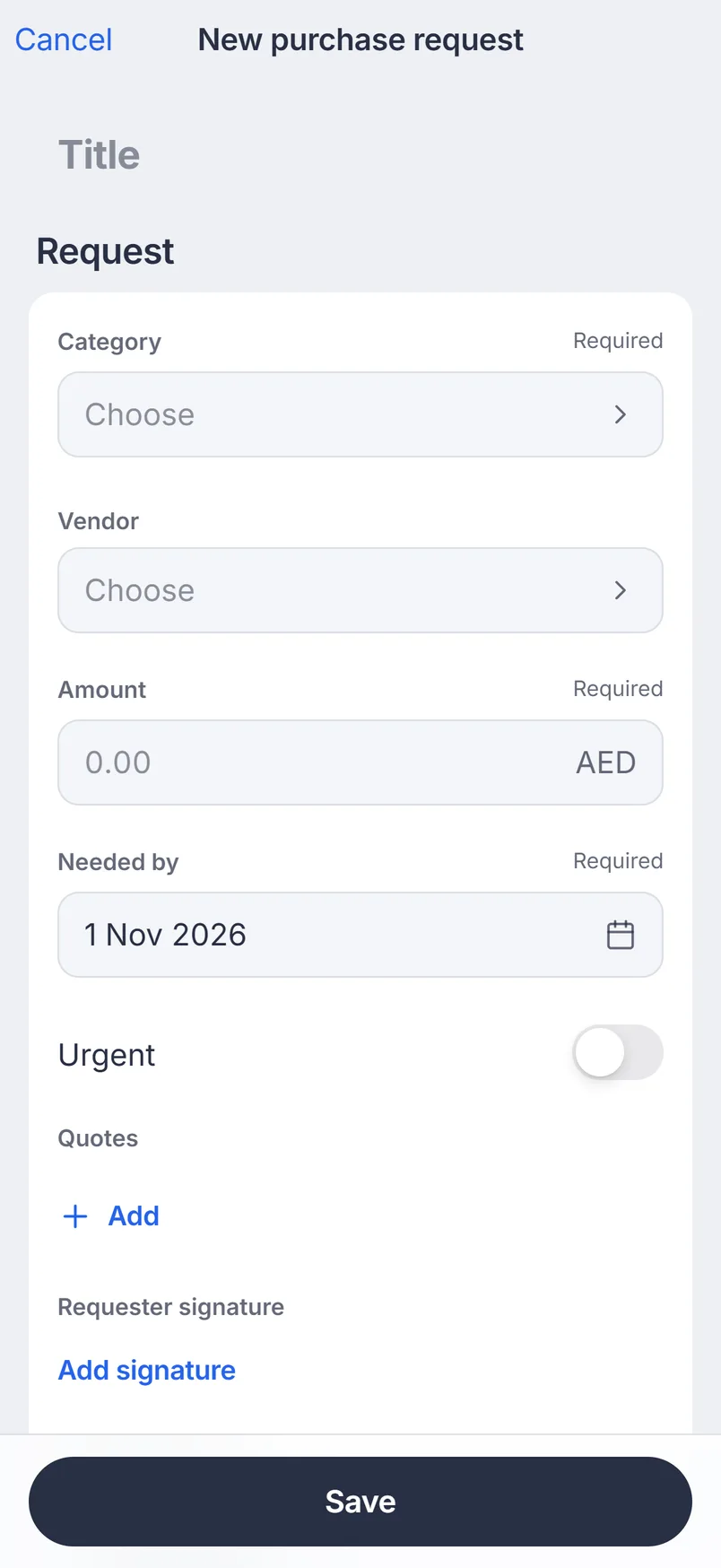
The new purchase request form on the phone, with required fields, a signature and quotes

Decide wherever you are

Tasks waiting for you sit in one inbox, with what is late at the top. Open a task to see the request, then approve it, or reject it with a reason.

Swipe a task to decide from the list. For a task sent to a team, claim it so others know it’s yours.

  • Swipeapprove or reject, always with a confirmation.
  • Hand overreassign the task or ask a colleague a question.
  • Historyevery decision shows on the record with who made it and when.
The Tasks inbox: twelve open purchase requests, three overdue
A purchase request task with Approve and Reject at the bottom

Capture it where it happens

Create the record on site instead of after. Take a photo or attach a file, sign on the screen, and save.

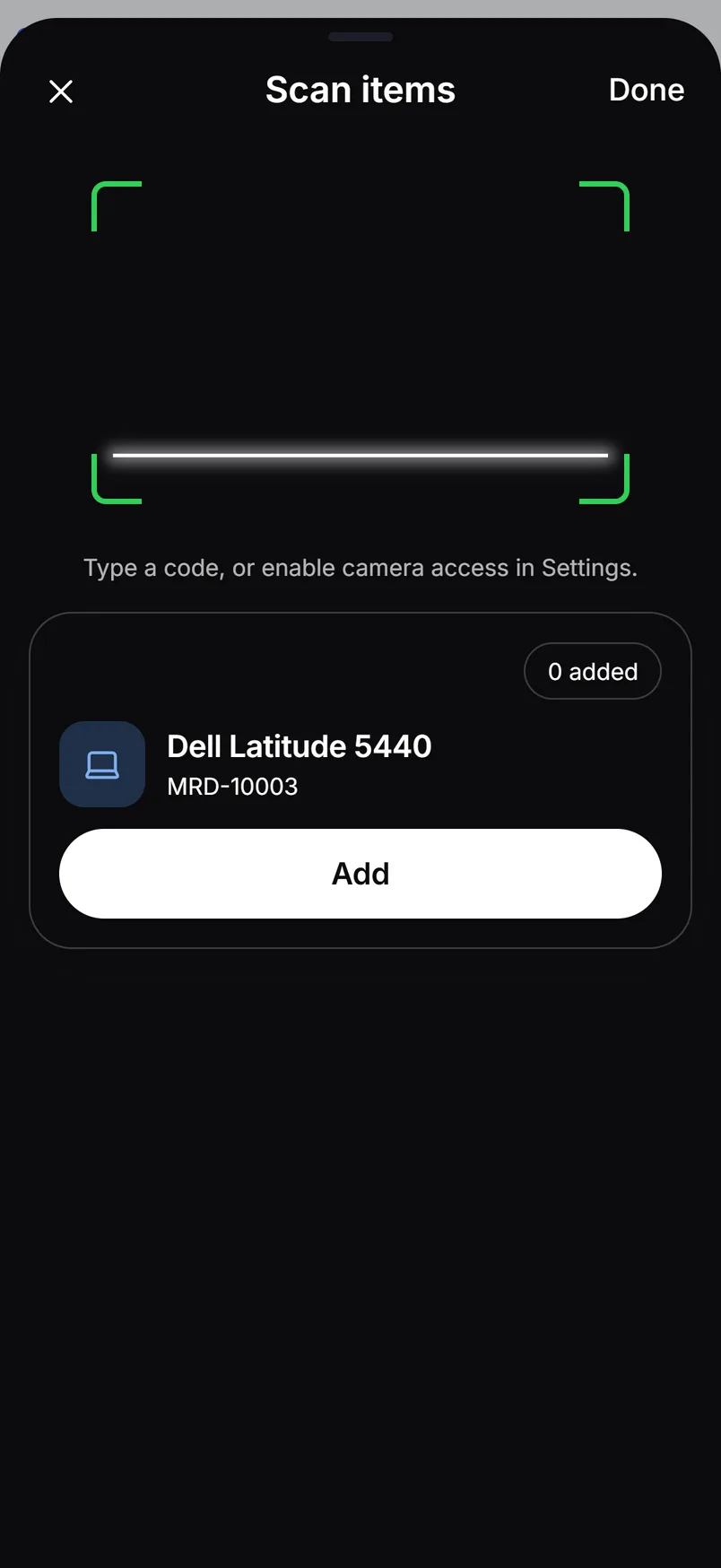
Scanning keeps the camera open: each barcode finds the item, and one tap adds it as a line. Receive a delivery by scanning box after box.

  • Photos and filesfrom the camera, the photo library or files.
  • Signaturesigned with a finger, stored on the record.
  • Scanbarcodes into a field, or straight into line items.
Scanning items into a goods receipt: Dell Latitude 5440 found by its code
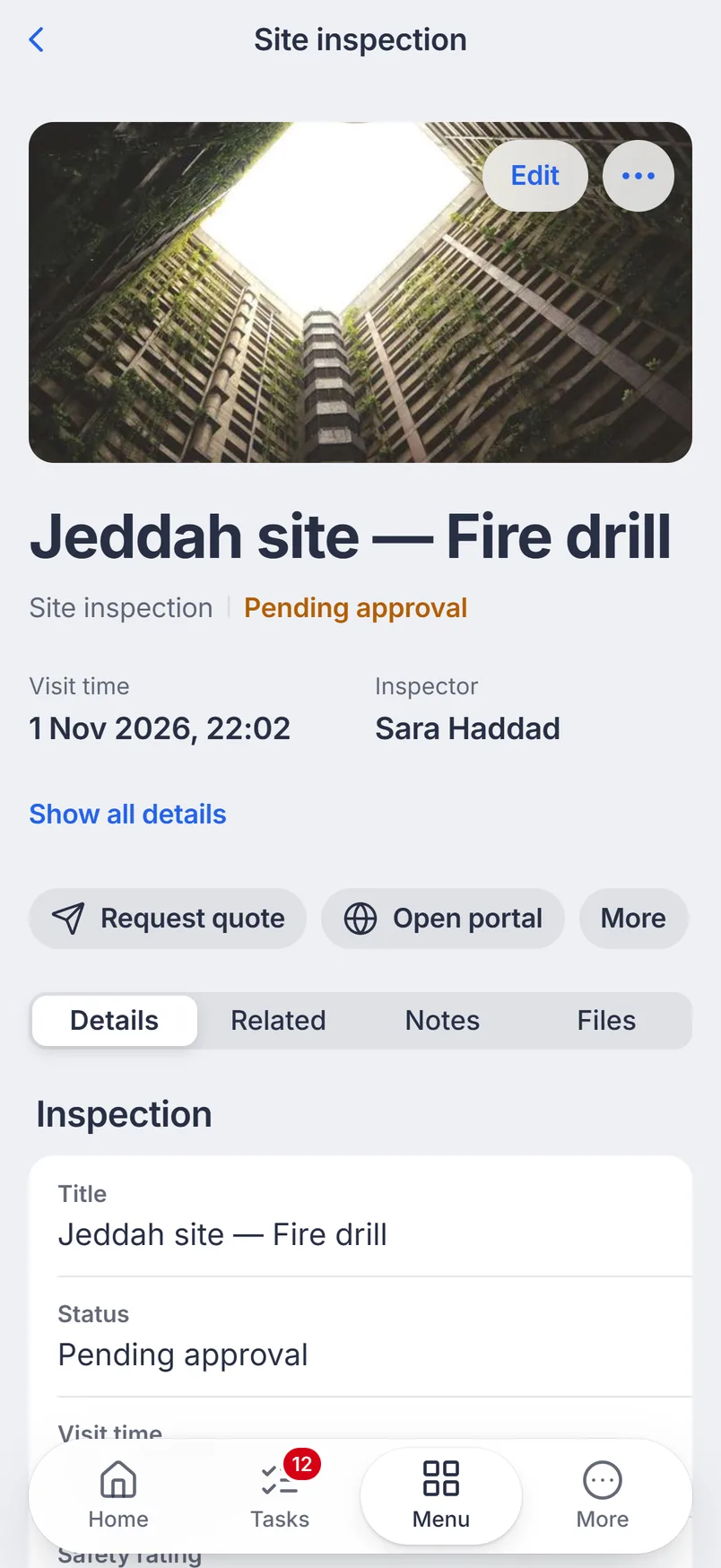
A site inspection record with its photo

Know the moment work arrives

When a task is assigned to you or a request you follow changes, the phone tells you. Tap the notification and the task opens.

The bell keeps the list, so nothing is lost when you clear the notification.

  • Pushfor new tasks and updates.
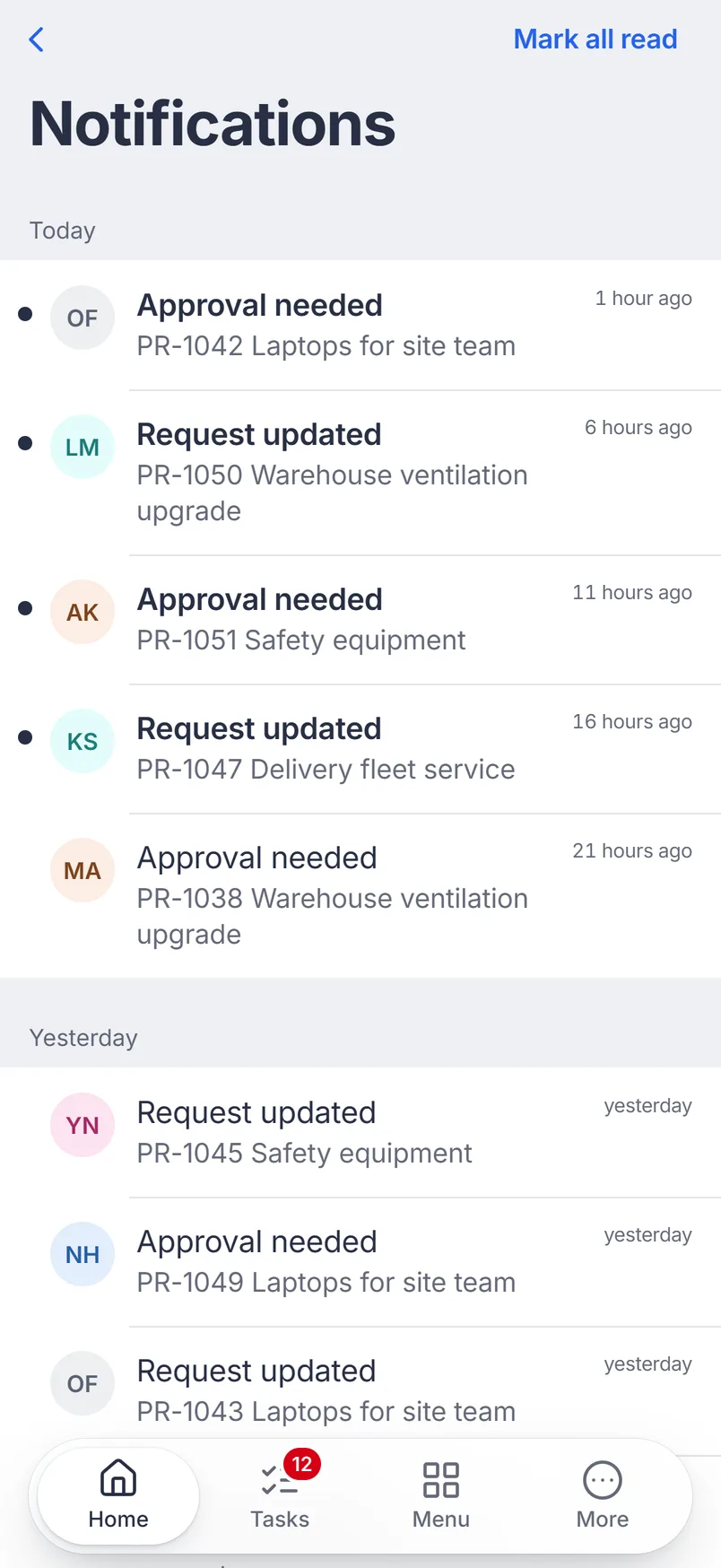
  • One listread and unread, today and earlier.
Notifications: approvals needed and requests updated, newest first

Check the numbers

The home screen opens on what needs you and on your dashboard. Reports open as charts or tables you can filter.

Home: tasks waiting, spend this quarter AED 569k and 17 open requests
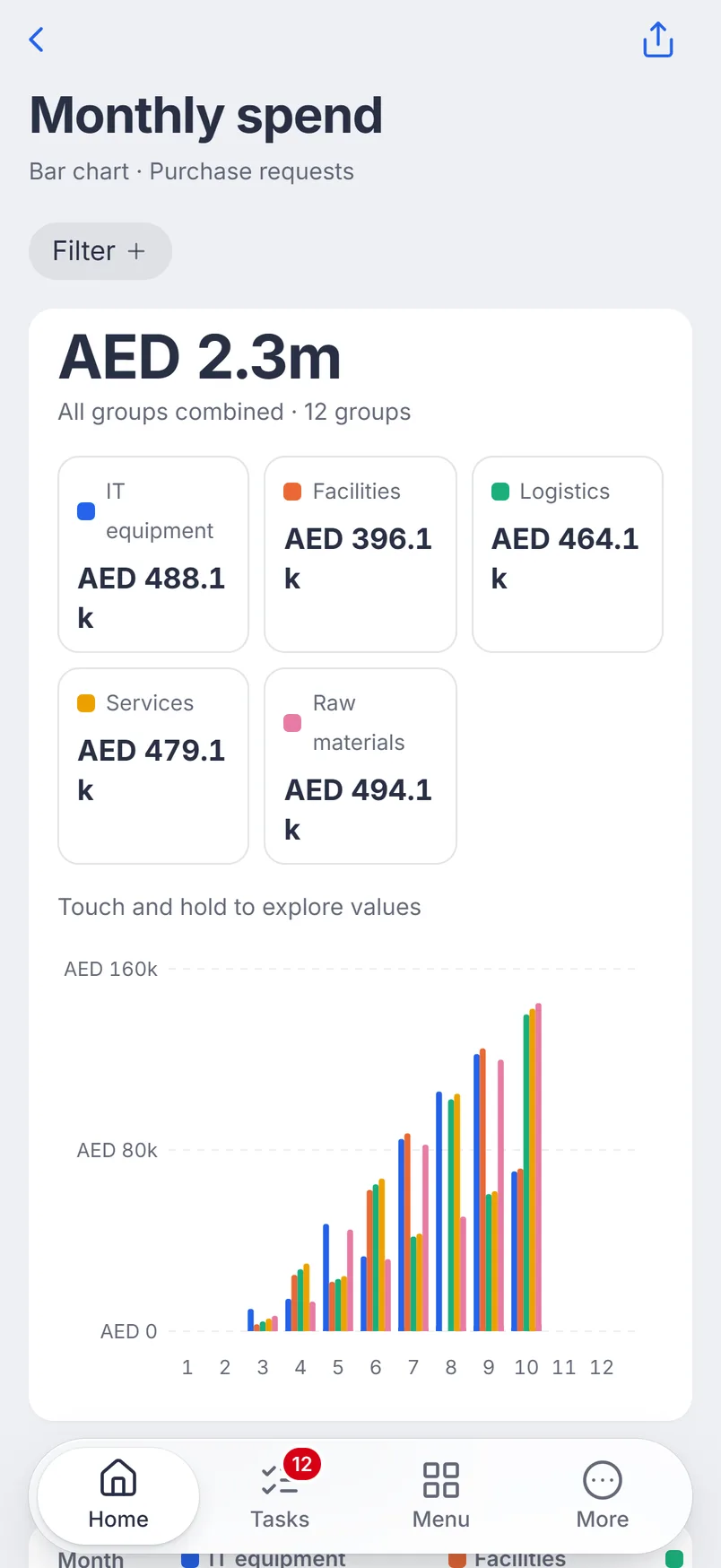
The Monthly spend report as a bar chart, AED 2.3m across five categories

Arabic and English, light and dark

The whole app works in Arabic, right to left, with Arabic dates. Each person picks the language and a light or dark look.

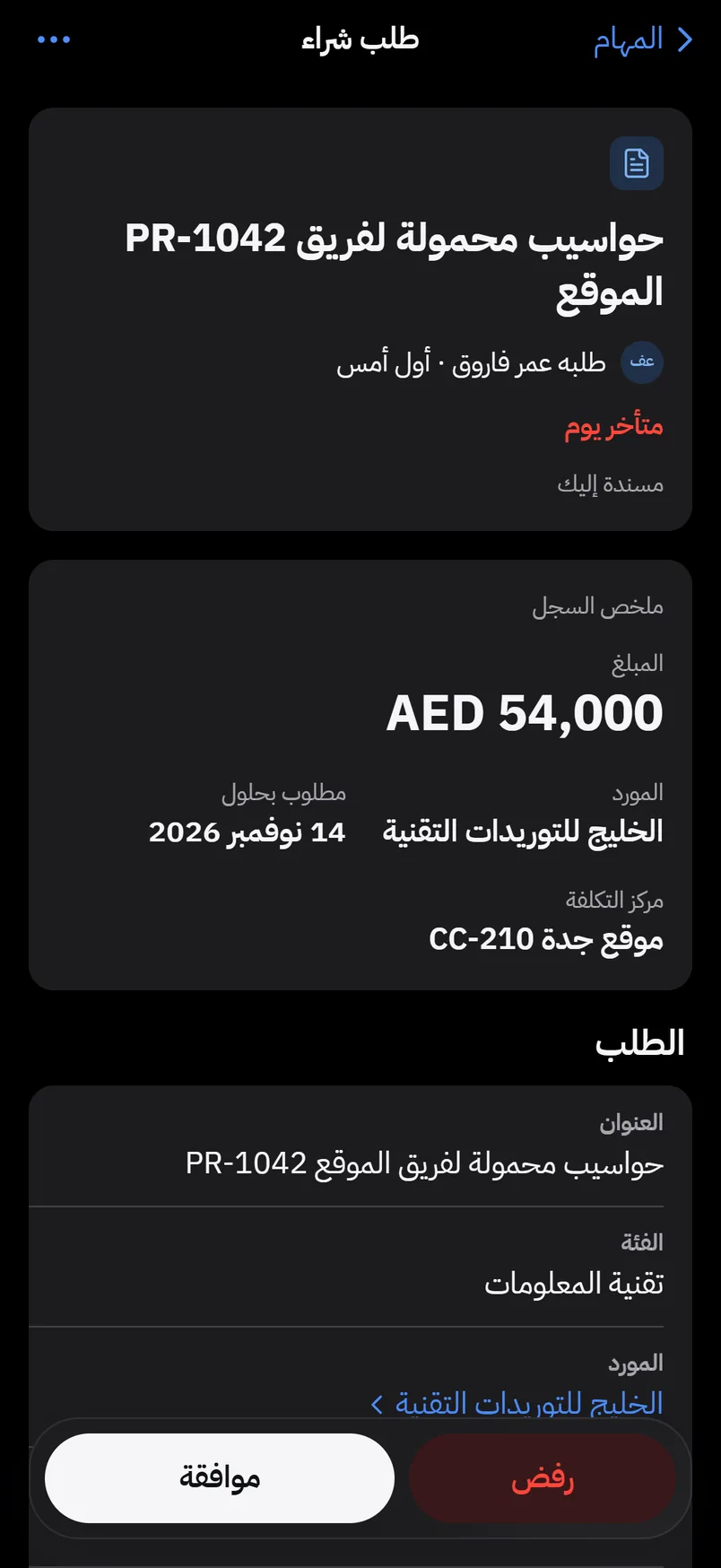
The same purchase request task in Arabic, right to left
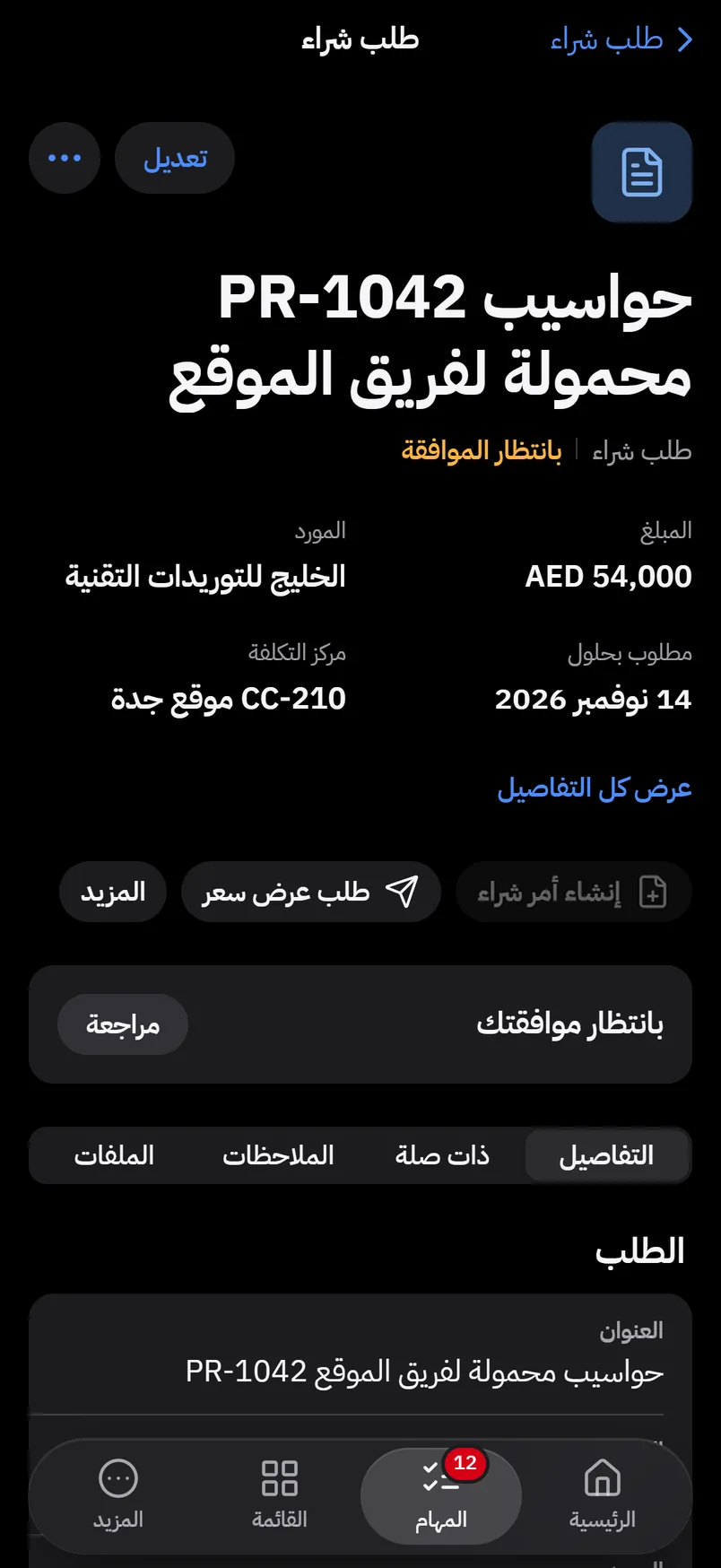
The same purchase request in Arabic, right to left
The Home screen in the dark look

On the phone in one scan

In Beezr on the computer, open your menu and choose Get the mobile app. Scan the code with your phone camera, and Beezr opens on the phone, signed in as you.

The code works once, for two minutes, and only for your account. On Android, tap Install. On iPhone, Beezr shows you the taps to add it to the Home Screen. Then it opens like any app.

Get Beezr on your phone
Scan with your phone cameraThe code works once, for 2 minutes, and only for your account.
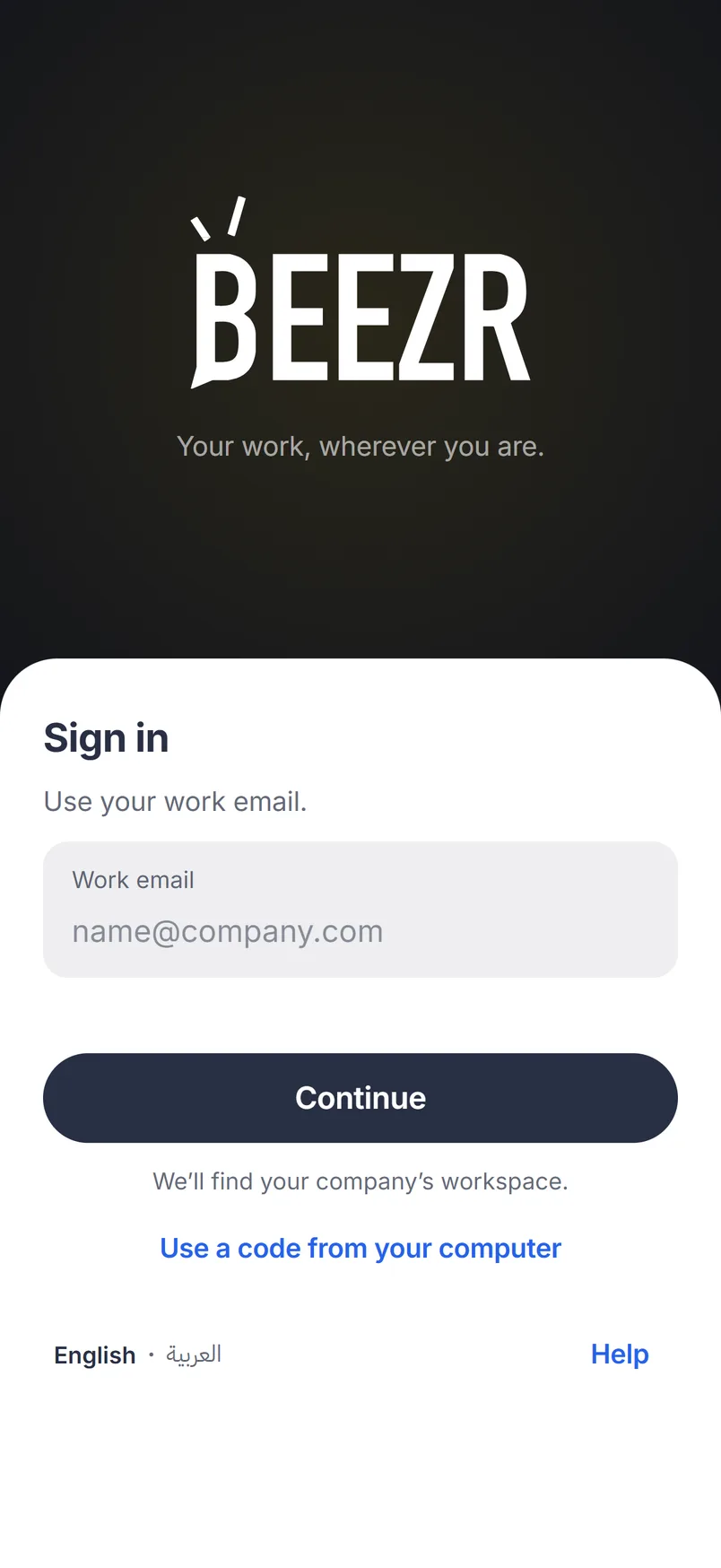
The Beezr sign-in screen on the phone

Recreated from the Beezr web app for clarity

When the signal drops

The tasks and records you last opened stay readable, with the time they were loaded. Decisions and saves wait until you’re back online, so nothing is half sent.

Offline — showing tasks from 9:24
Connect to approve

Approve a purchase request from the phone

A real run in the Beezr Mobile App: open the inbox, open the request, approve it. It leaves the inbox, with a moment to undo.

  1. The inboxTwelve open requests, the late ones first.
  2. The requestPR-1042, AED 54,000, with its vendor and cost centre.
  3. ApproveOne tap. The decision is recorded on the request.
  4. DoneIt leaves the inbox, and Undo is there for a few seconds.

How it connects

The app is another way into the same Beezr. Tasks come from your workflows, records and forms from your data, numbers from your reports, and access from your security settings.

Questions people ask

Is the Beezr Mobile App in the App Store or Google Play?

No. You install it from the browser, and it then works like an app: its own icon on the Home Screen, full screen, with notifications. There is no store download and no store update to wait for.

How do I install it?

In Beezr on your computer, open your menu and choose Get the mobile app, then scan the code with your phone camera. On Android, tap Install. On iPhone, add it to the Home Screen from Safari; Beezr shows you the taps.

Do we have to build anything for mobile?

No. Every application you build in Beezr appears in the app with the same forms, views and rules.

Do people see the same data and permissions on the phone?

Yes. People sign in with their Beezr account, and the app shows only what their roles allow on the web.

Can I approve from the phone?

Yes. Open the task, or swipe it in the inbox, to approve or reject. A rejection asks for a reason, and every decision is recorded on the record.

Does it work offline?

Yes, for reading. The tasks and records you last opened stay readable, and decisions and saves wait until you are back online.

Does it work in Arabic?

Yes. The whole app works in Arabic, right to left, and in English, in light or dark.

Which workspaces have it?

Every Beezr workspace. Your team signs in with the same accounts they use on the web.

Start with the problem in front of you.

Show us the process you are trying to improve. We will tell you whether Beezr looks like a fit and how we would approach it.

Next on the tour

Next: Security and governance