A trade licence arrives as a photo.
The bank letter sits in another thread. Nobody notices the insurance certificate expired in March.
Operations and supply
Your team requests, approves and orders in Beezr. Your suppliers register, quote and invoice in the same system, in Arabic or English. One record follows each purchase from request to payment, so nobody has to ask where things stand.
In use at a leasing company, a fintech in Egypt, and a farm and a food manufacturer in the UAE. One customer had a working workspace within 24 hours of the first meeting.

When we sit down with a procurement team, the inside is usually in good shape. Requests get approved. Budgets get checked. Then a supplier gets involved, and everything moves to email.
The bank letter sits in another thread. Nobody notices the insurance certificate expired in March.
The comparison lives in one buyer's spreadsheet. Six months later, nobody can explain the award.
Finance opens an exception. Procurement chases the warehouse. The supplier chases everyone.
None of this is a people problem. It's the gap between your system and your suppliers. That's the gap we close.
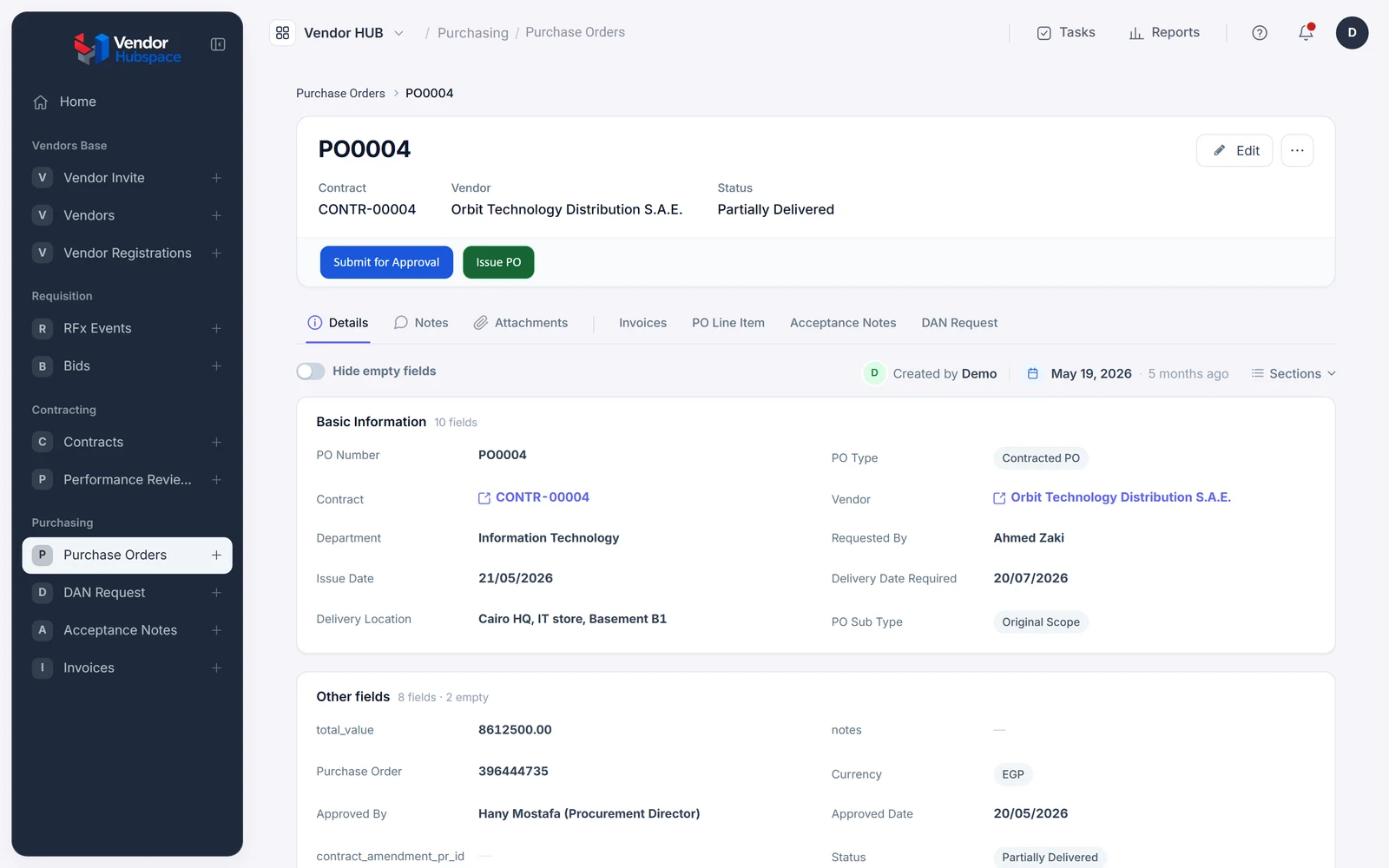
Here is one purchase on Beezr, from the first request to the last payment. Six moments, one record, nobody chasing.
The request form already knows the cost centre and the budget line, and above your threshold it asks why. It reaches the right approvers in the right order. Approvers decide from their phone in the Beezr Mobile App. The requester can see exactly where it is.
The form's checks are Smart Script rules. Approvals route by amount and category, with reminders and escalation on an SLA.
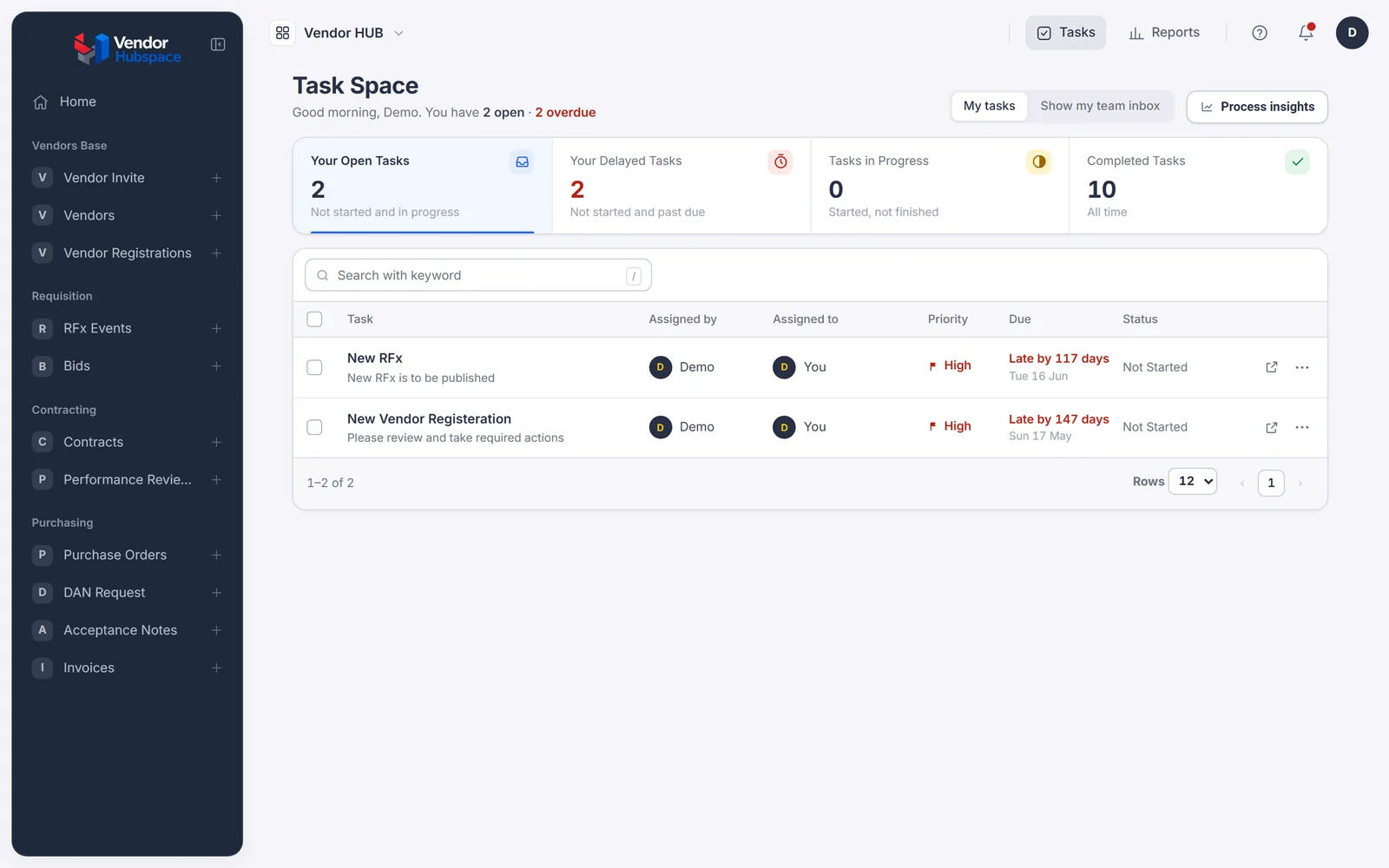
They answer in their own portal, in the language they prefer. Questions and answers stay on the RFQ, where every bidder sees them, not in a chat.
The portal sits on the same records as your team's screens. Each RFQ keeps its invitations, clarifications and bids together.
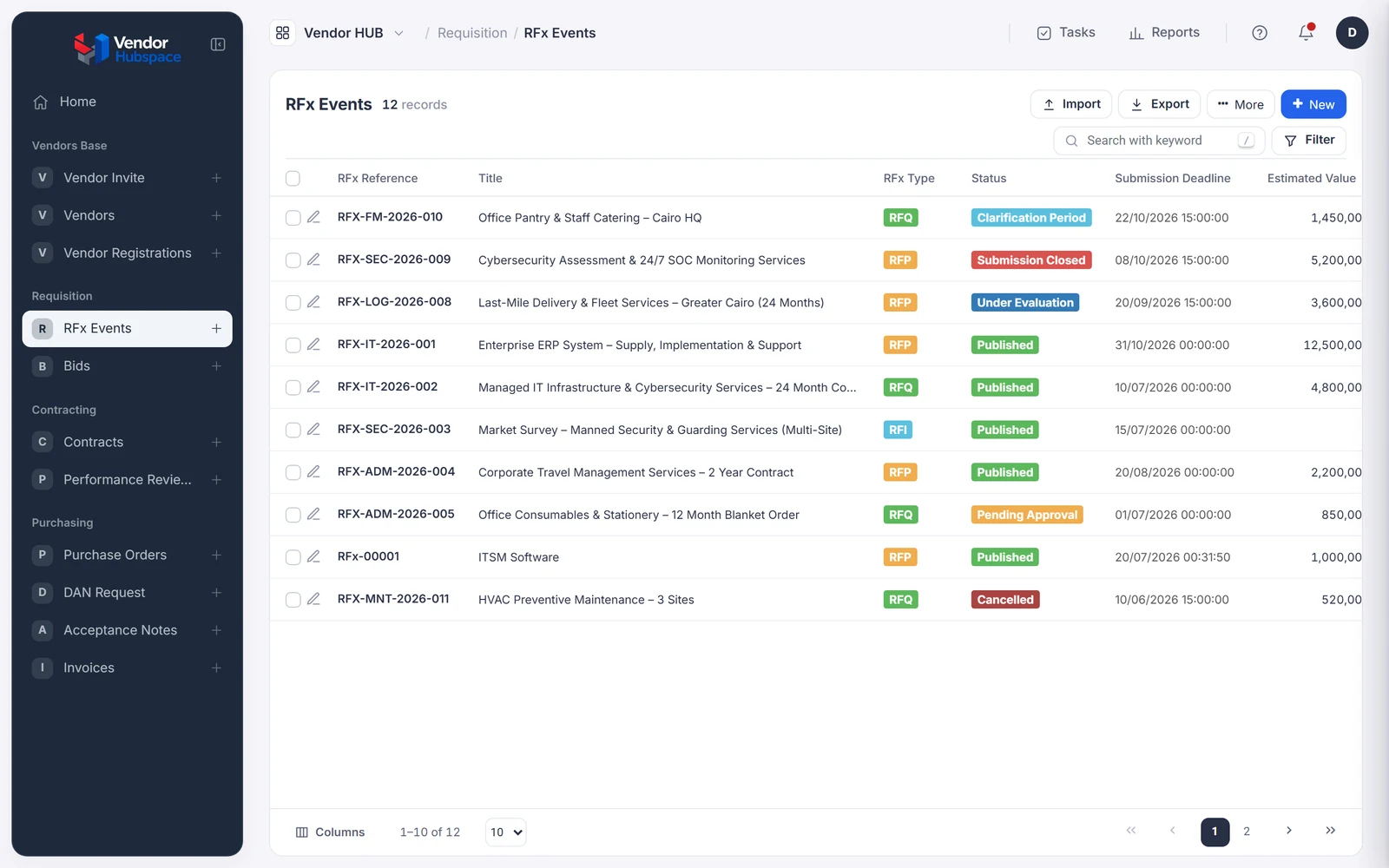
Technical and commercial scores sit on the event. When the auditor asks why this supplier won, the answer is one click away.
Scoring screens are forms you design. Criteria and weights are fields you set, not code.
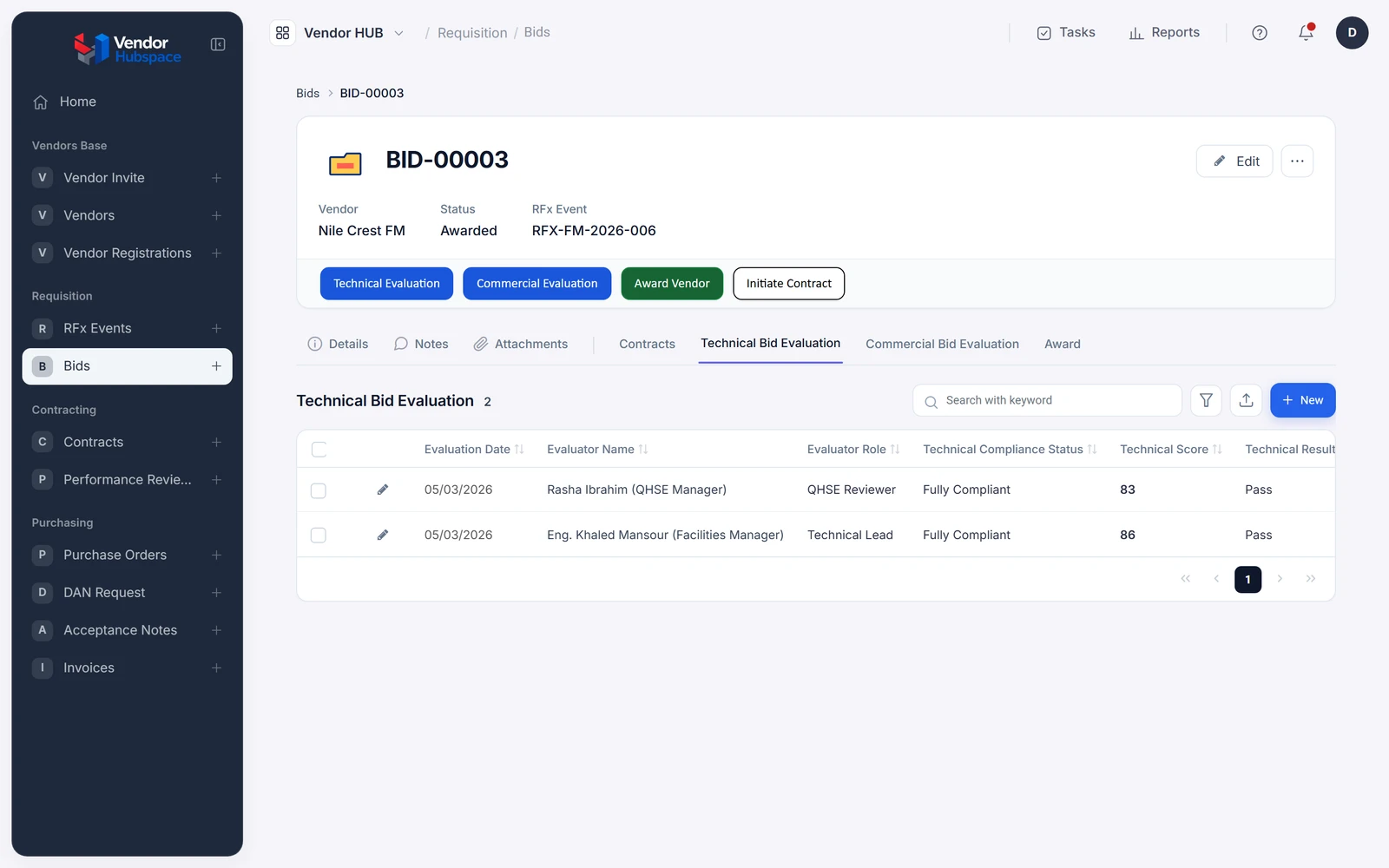
Milestones and renewal dates become tasks, so a contract about to lapse is a reminder, not a surprise.
The contract document is generated from a template. Its milestones create tasks through the workflow.
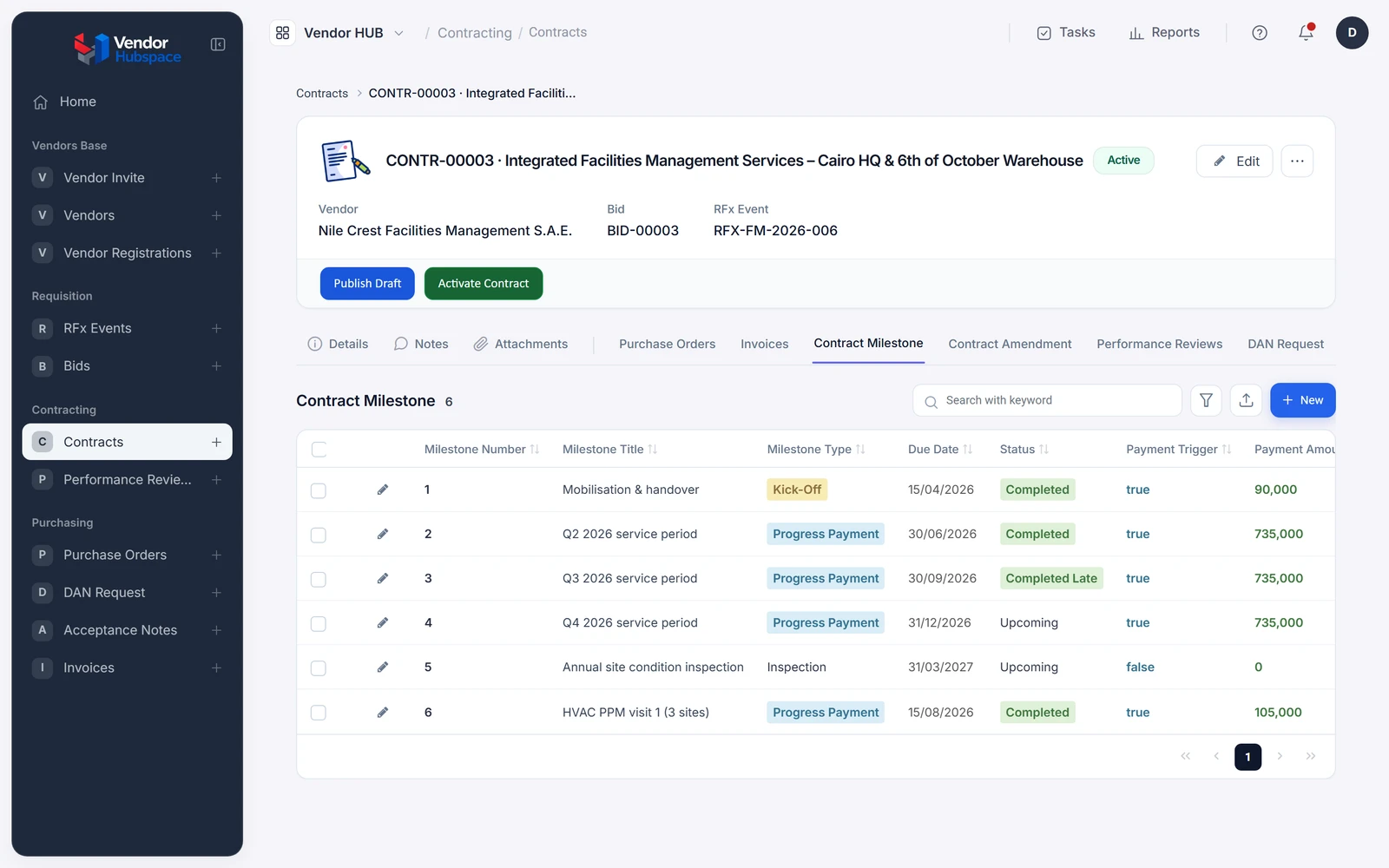
That acceptance is what unlocks the invoice. No accepted delivery, no invoice. The system enforces it, so nobody has to.
The invoice step checks for an accepted delivery note before it lets the supplier submit.
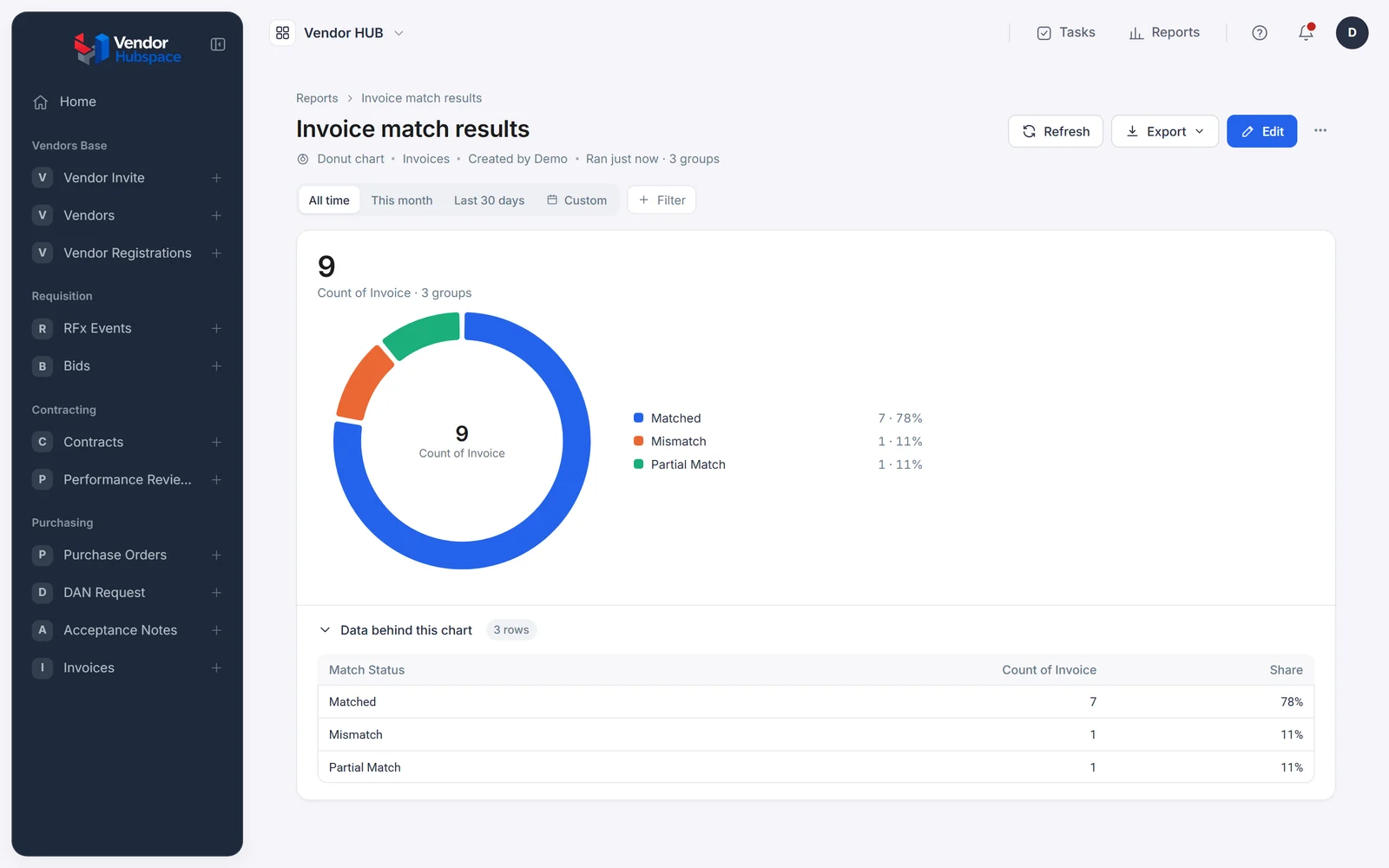
Order, delivery and invoice are checked against each other. Only real mismatches reach a person, with all three documents side by side. The supplier watches it move to paid.
Matching tolerance is a setting. Posting to your ERP is a REST step or an Integration Hub connector.
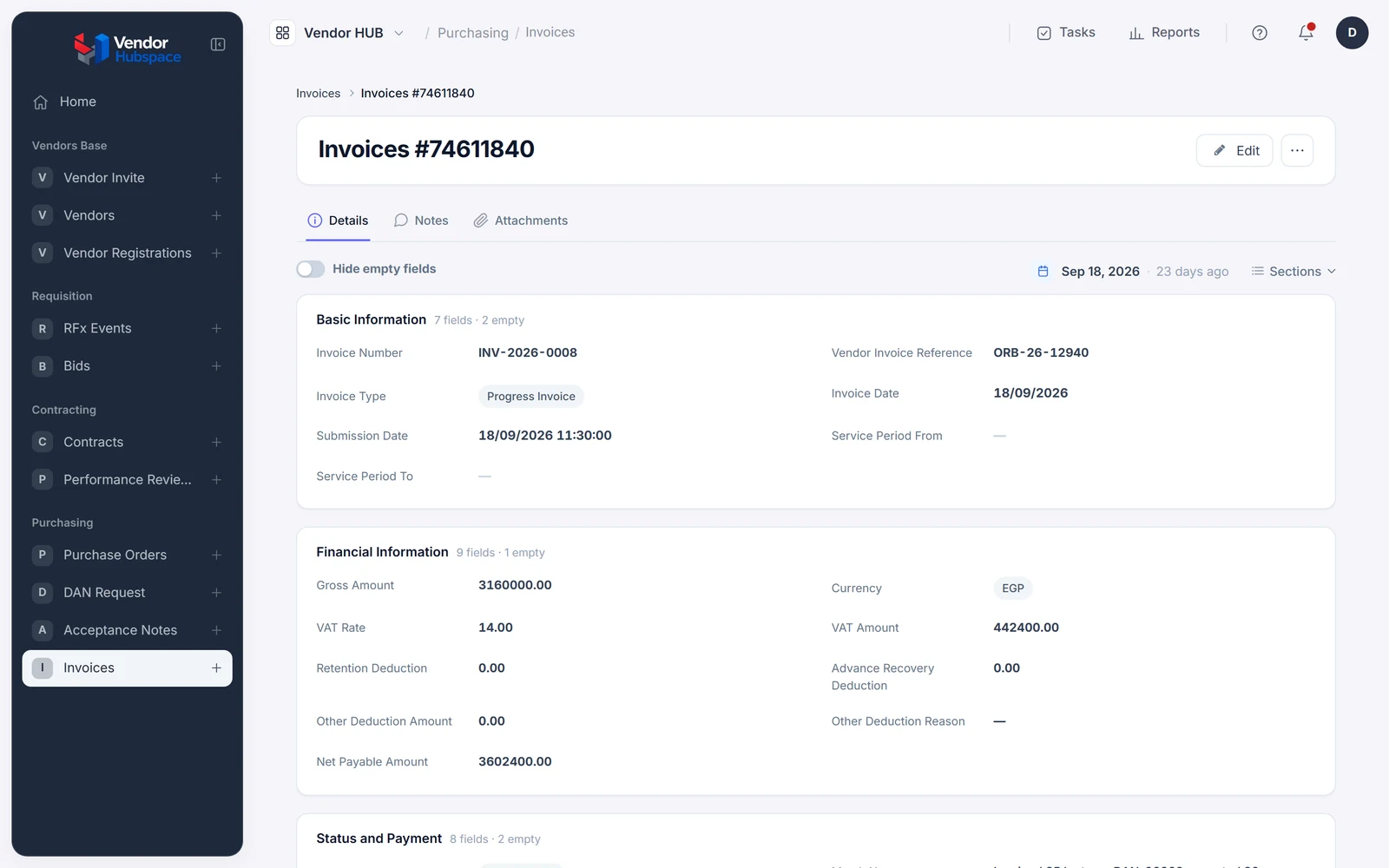
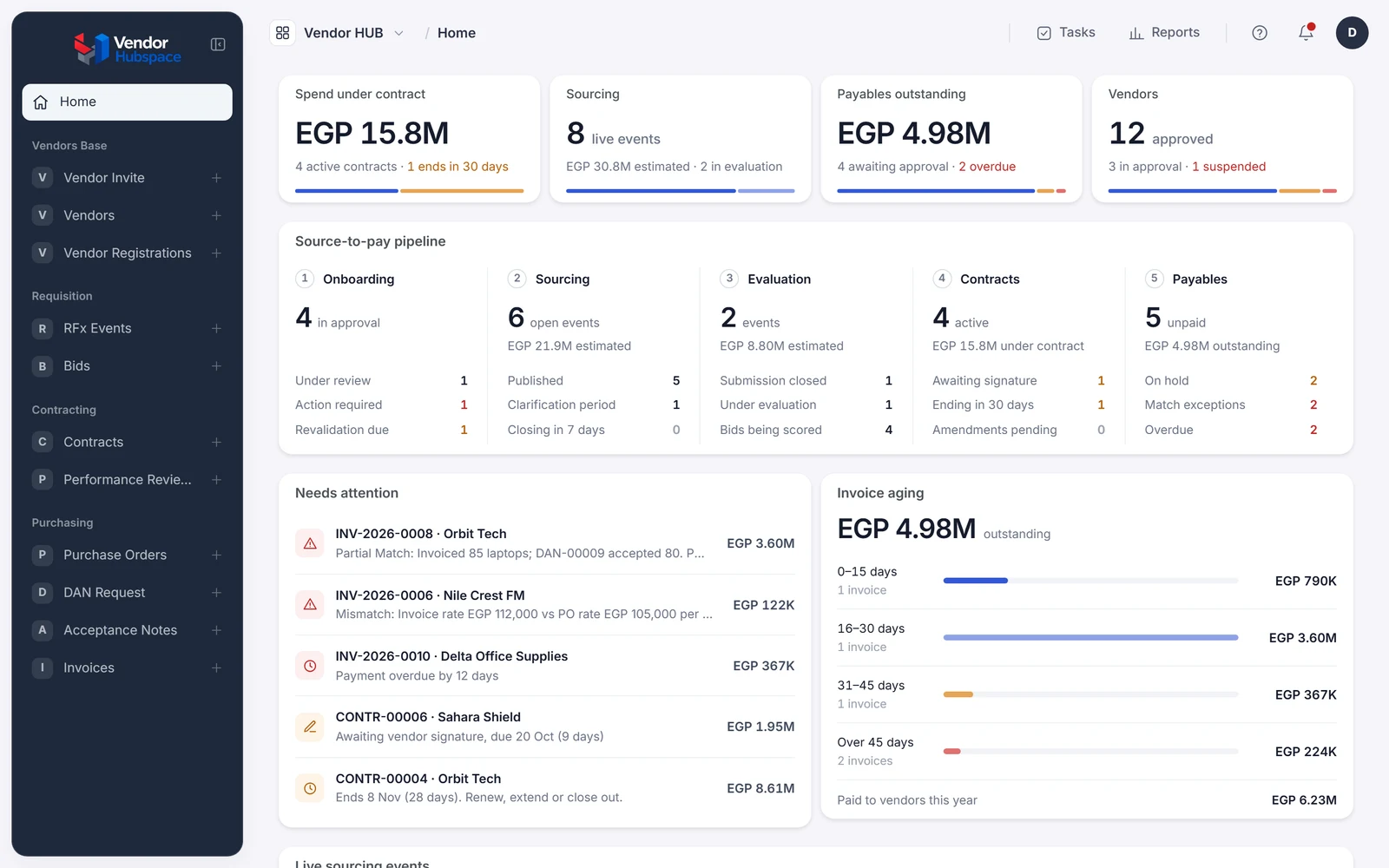
Every step wrote to the same records, so the dashboard was right the whole time.
| Before | With Beezr |
|---|---|
| Supplier documents are chased by email and found expired in an audit | Documents are checked at registration, and an expired one blocks new awards |
| Clarifications live in chats; the award lives in a spreadsheet | Questions, answers and scores live on the RFQ |
| Invoices arrive before the goods and become exceptions | An invoice can't be raised until the delivery is accepted |
| Everyone asks procurement for status | The requester, finance and the supplier each see it themselves |
Most teams we meet are weighing the same three options. Here's how they compare on the things that decide it.
| Question | ERP procurement module | Custom build | Beezr |
|---|---|---|---|
| Fits your process | You adapt to its process | Yes, as specified | Yes, built around yours |
| Your suppliers | Often email, or an add-on portal | Only if you build a portal | A portal in Arabic and English |
| First process live | Part of an ERP rollout | Months | Weeks |
| Changing a rule | A change request to your integrator | A developer and a release | A setting your team changes |
| Connecting the rest | Inside that ERP | Whatever you build | Your ERP, any system with an API, or a Web Agent where there isn't one |
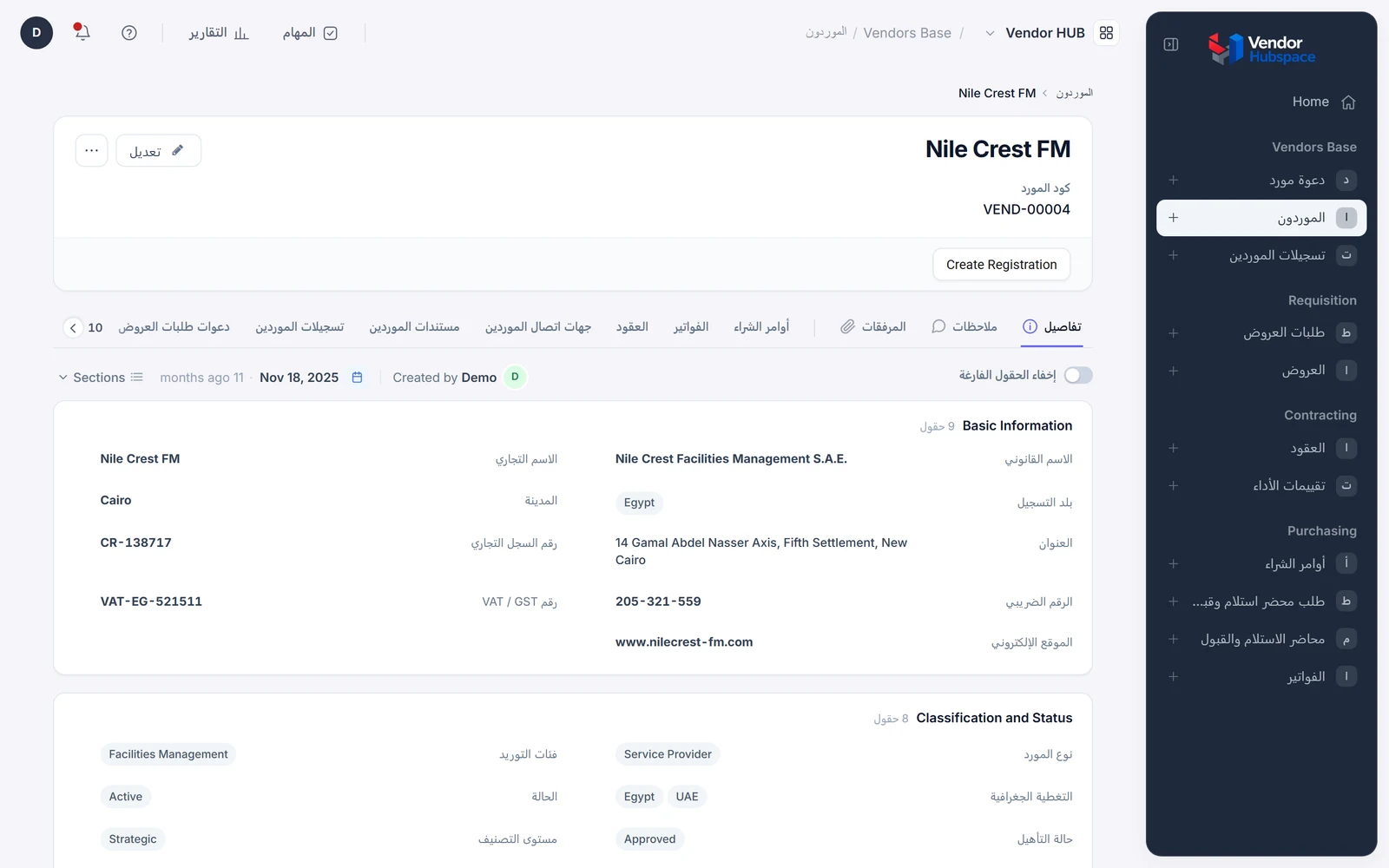
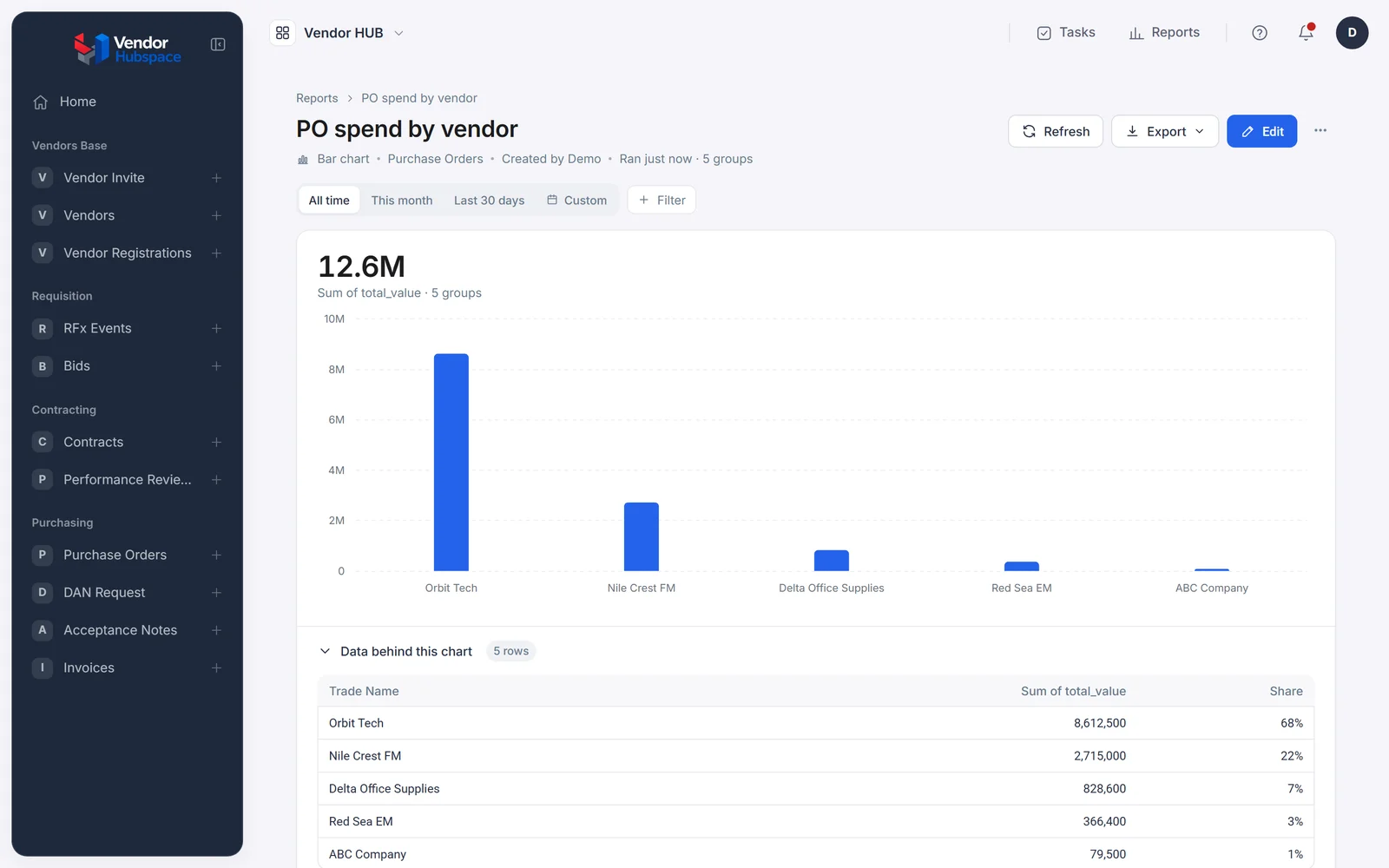
We build procurement from parts we've built many times: supplier onboarding, contracts, approvals and three-way matching. The same parts run your next process. Accepted deliveries can update stock. The approval engine can take your finance and HR requests. You add a process; you don't start a project.
Approved invoices post to your ERP or accounting system through the Integration Hub, a REST step in the workflow, or a Web Agent where there is no API.
Onboarding and KYC
Also runs lending, factoring, collections and HR
Contracts and documents
Also runs lending, leasing and HR
Purchase orders
Also runs production and inventory
Three-way matching
The heart of the supplier side
External portals
Also runs collections agencies and investors
Ledgers
Also runs lending, factoring and production
No. Beezr runs the part your ERP doesn't model, from request to matched invoice, and posts the result to your ERP or accounting system.
The portal is built for vendors: a guided registration, a clear status on every bid and invoice, and their own language. There's nothing to install.
Yes. Your team and your suppliers each choose Arabic or English, with right-to-left screens.
Most teams have their first process running in weeks, usually supplier onboarding or approvals. The rest attaches to it, one process at a time.
Yes. Supplier onboarding, RFQs and invoice matching each work on their own, and connect when you add the next.
Yes, and that's the point. Thresholds, approvers, required documents and matching tolerances are settings. Change them today; they apply to the next request.
Yes. Messages go out through the Integration Hub, either through a messaging provider or directly through your company's WhatsApp Business account.
In your Beezr workspace, with access set down to the field, a full history on every record, and Beezr Shield for field encryption, single sign-on, MFA and geo fencing.
You import them. Suppliers, open orders and contracts come in from Excel, and suppliers then complete their own profiles in the portal.
Yes. Approval chains, thresholds and required documents can differ by department, category or legal entity, in one application.
Start where it hurts most: supplier onboarding, RFQs or invoice matching. It's working in weeks, and the rest attaches to it.