The documents disappear into an inbox.
Documents arrive without a registration status.
Operations and supply
Your suppliers register, quote, deliver and invoice inside Beezr, in Arabic or English. They see where every bid and invoice stands, so nobody has to email procurement to ask.
We can show the built portal on your discovery call, including Arabic registration and delivery-gated invoicing.

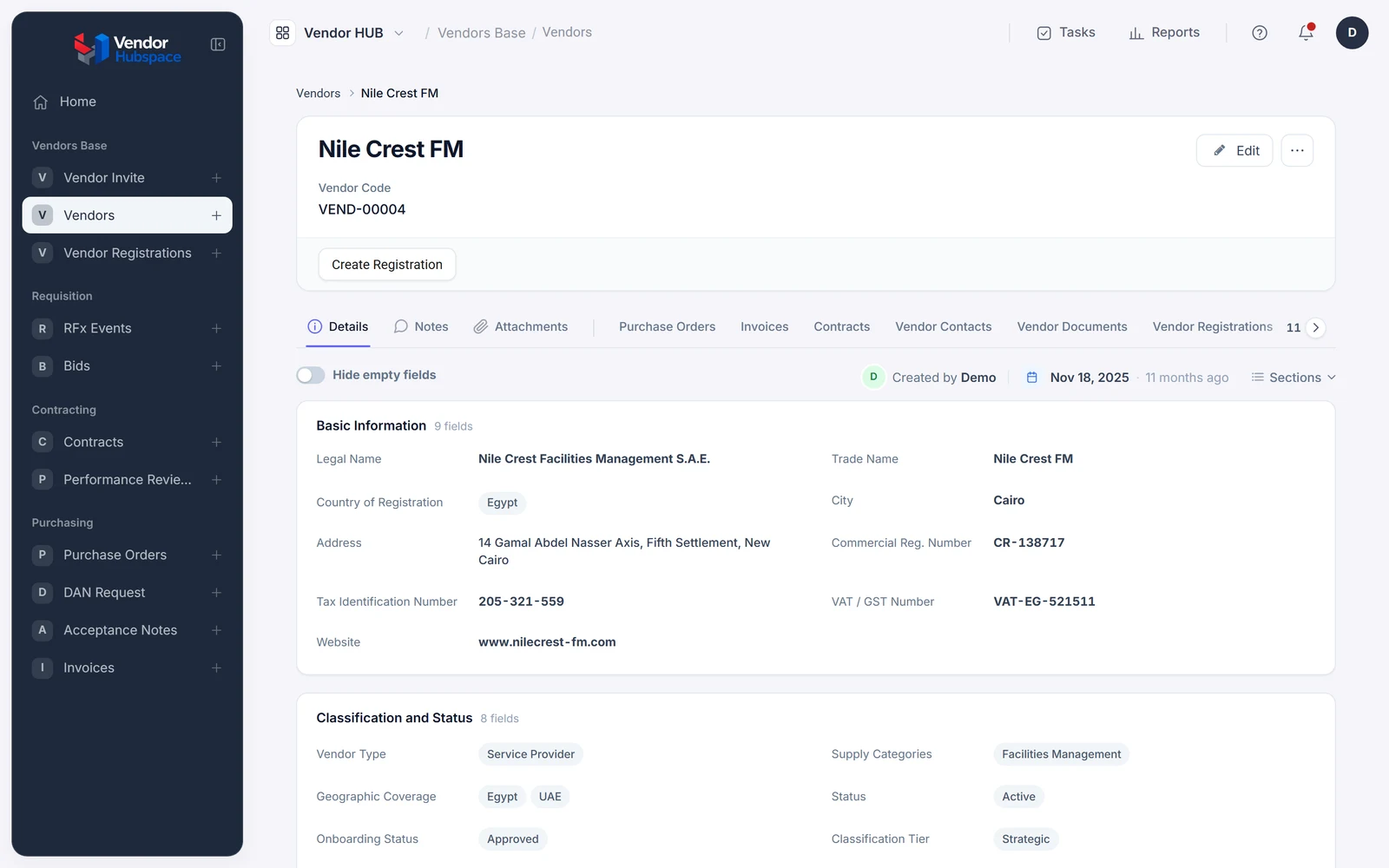
We look from the vendor's chair. They deliver, then ask what happened next.
Documents arrive without a registration status.
The answer becomes detached from the bid.
The invoice is submitted; its progress is hidden.
Give the supplier a record to follow.
Both sides share records, each with their own screens.
The supplier receives an invitation. One login covers the relationship.
External portal permissions control access to supplier records.
They complete guided registration in Arabic. Documents join their compliance profile.
Bilingual forms collect documents into the supplier record.
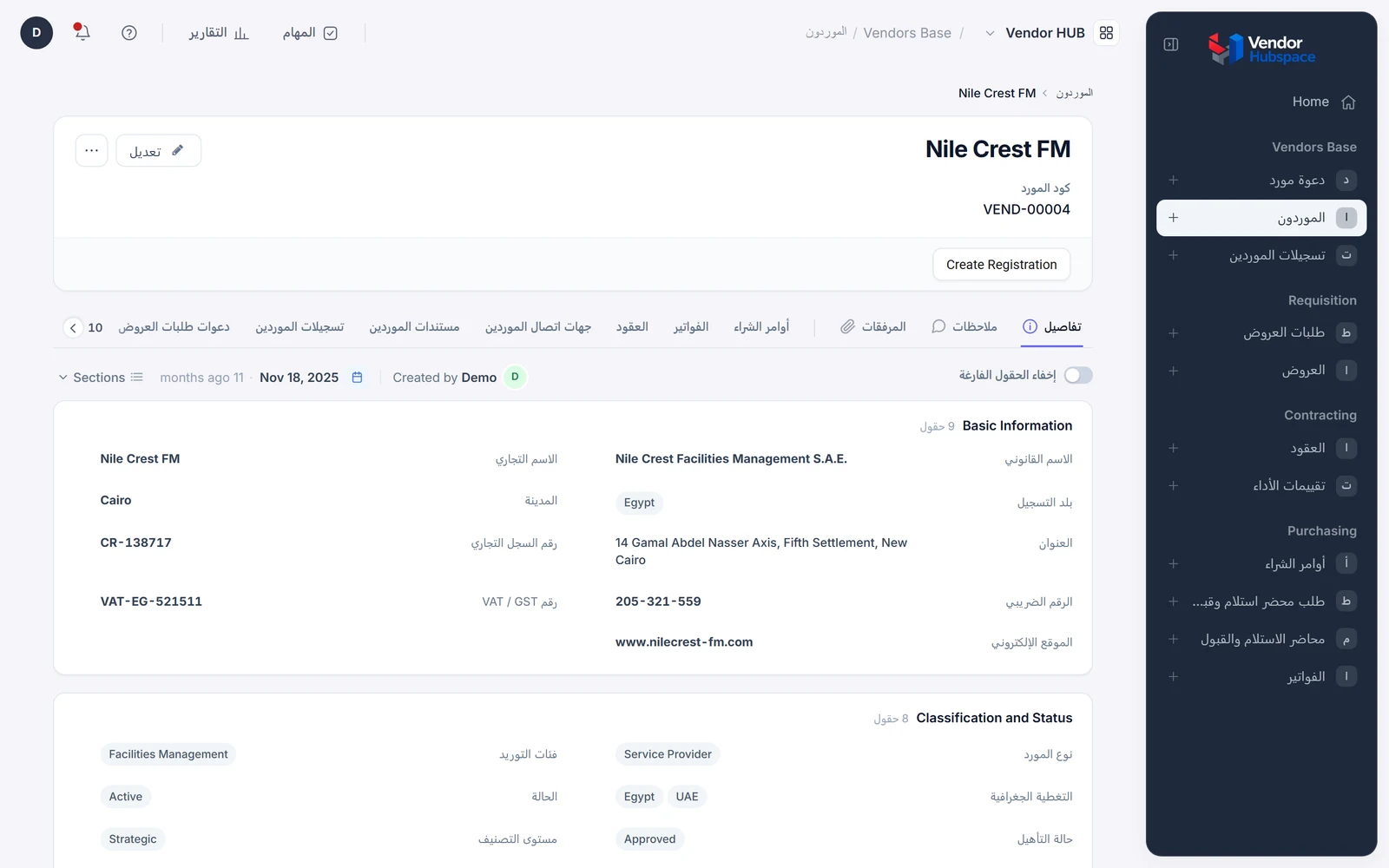
Your team reviews documents. Approval admits the vendor to the pool.
The onboarding workflow routes the review.
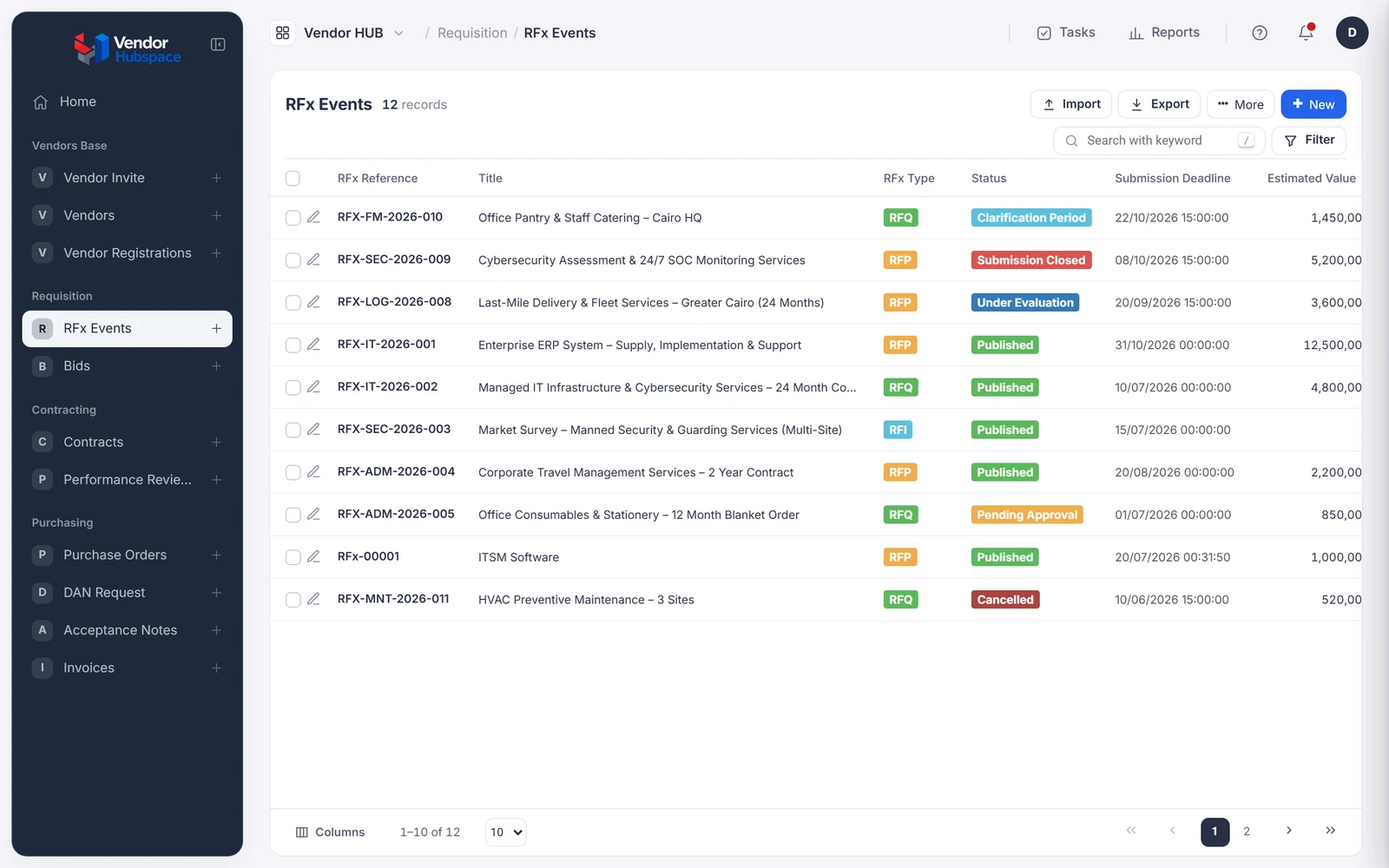
The vendor answers in the bid workspace. Clarifications stay on the RFQ.
RFQ records link bids and suppliers.
The award becomes a contract and order. Your internal customer accepts delivery.
The workflow links acceptance to the purchase order.
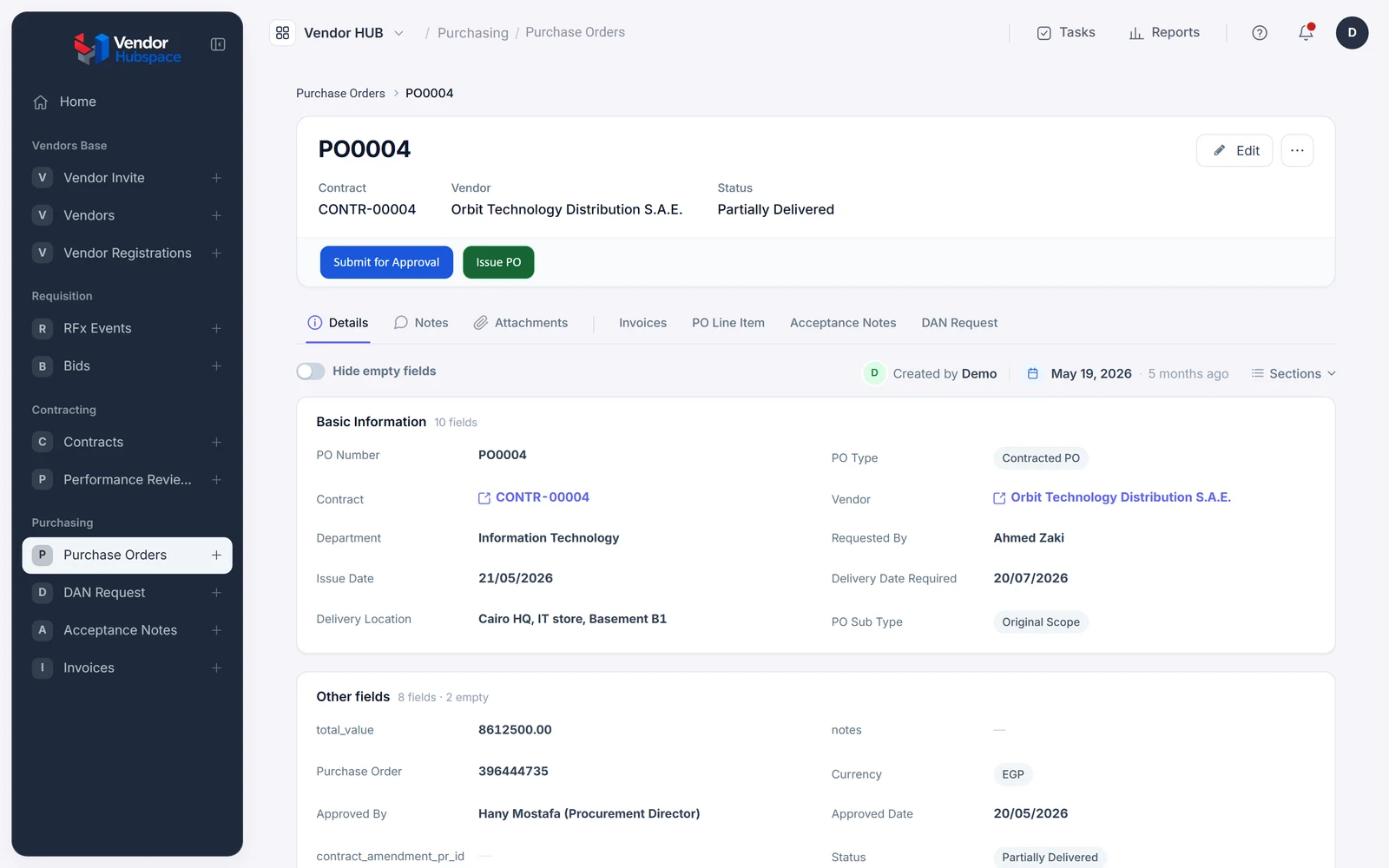
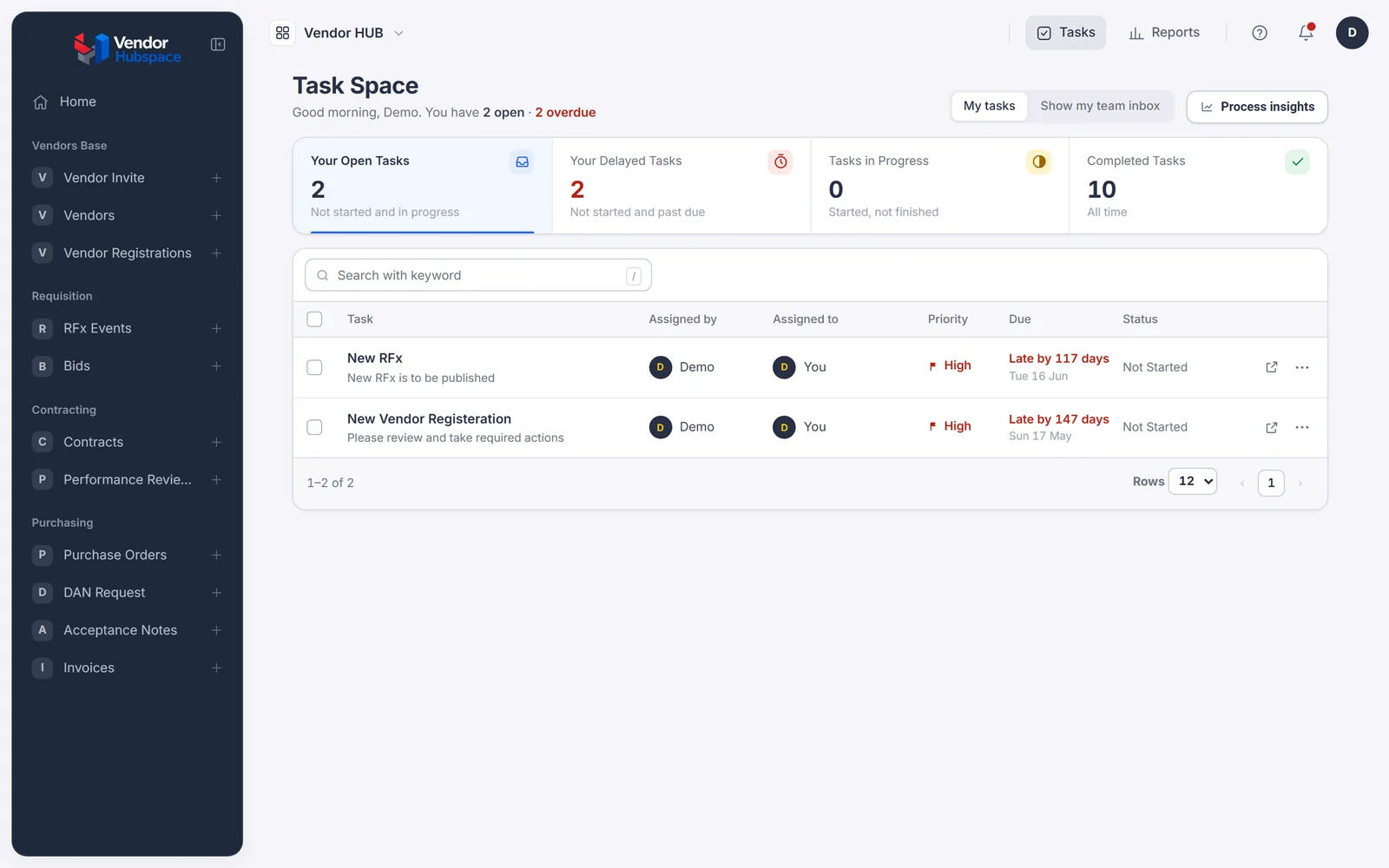
The supplier invoices after acceptance. They watch it move through approval to paid.
The invoice workflow checks acceptance before submission.
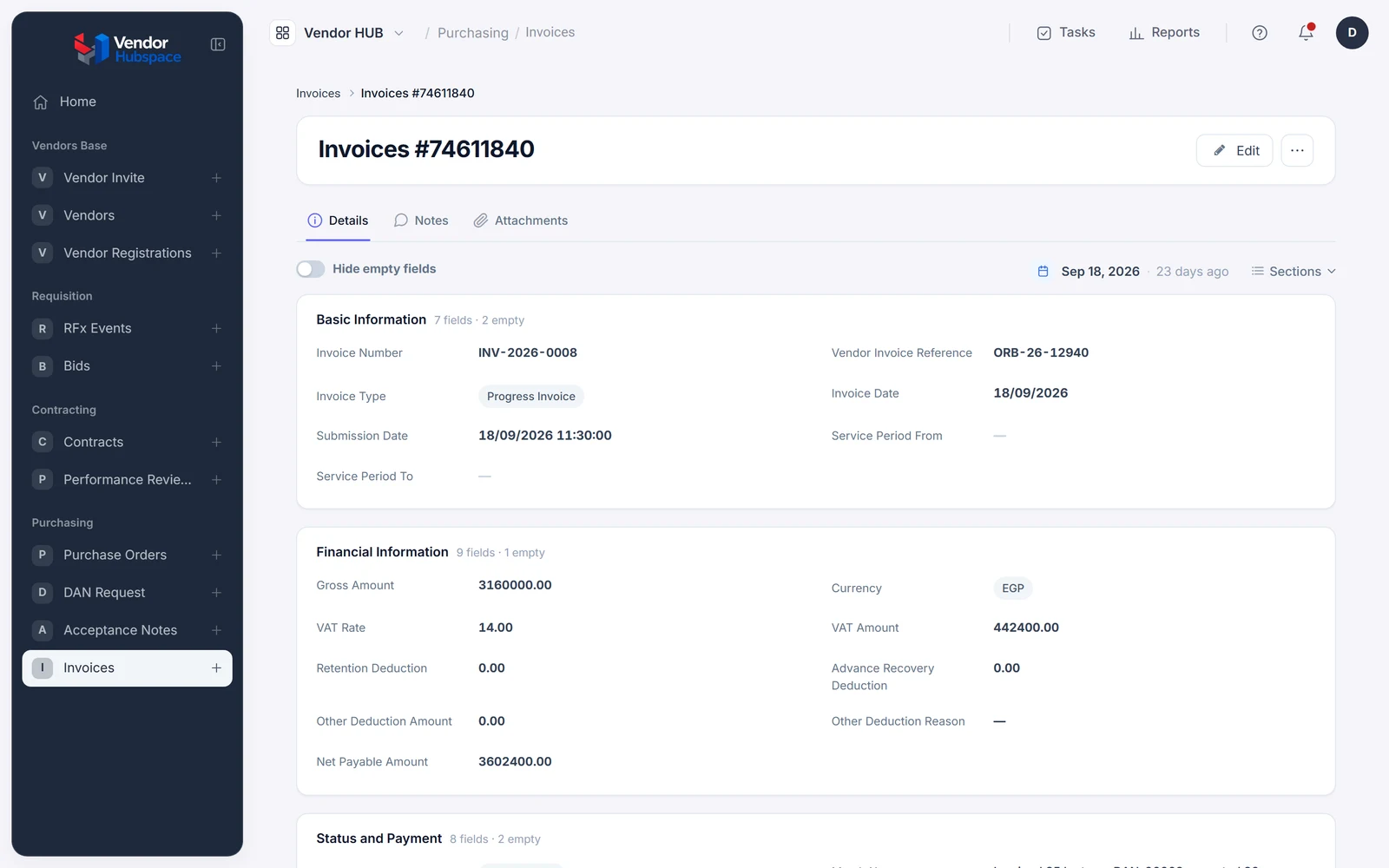
The vendor follows the work.
| Before | With Beezr |
|---|---|
| Documents in email threads | Documents on the profile |
| Clarifications detached from bids | Questions on the RFQ |
| Invoices before delivery | Accepted delivery gates invoicing |
| Suppliers call for updates | Status visible in the portal |
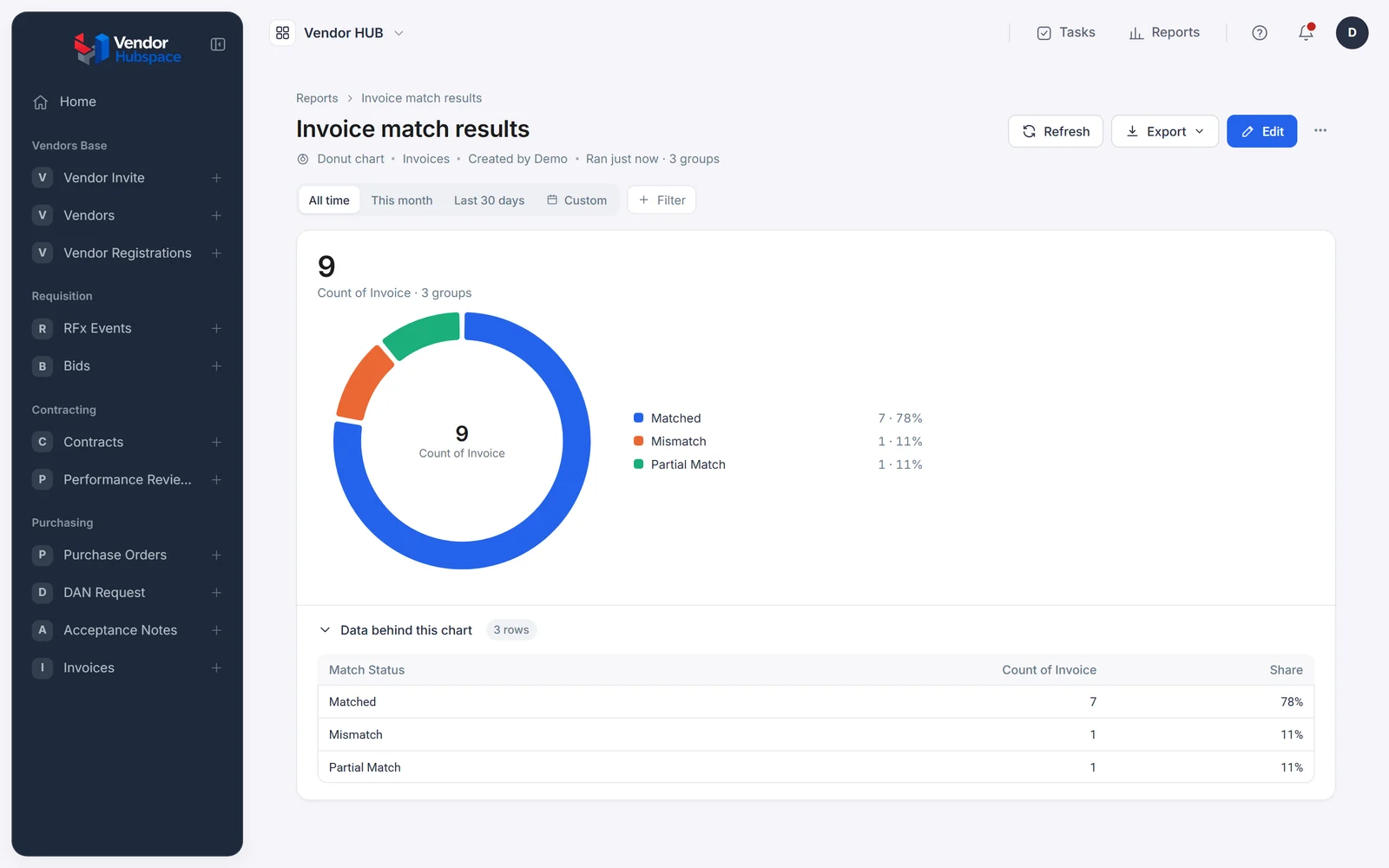
Email and WhatsApp are familiar. A generic portal centralises submissions. Compare the next step.
| Question | Email and WhatsApp | Generic supplier portal | Beezr |
|---|---|---|---|
| Vendor entry | Send documents and messages | Supplier registration | Guided bilingual registration |
| Bid questions | Threads and chats | Portal bid workspace | Clarifications on the RFQ |
| Delivery acceptance | Confirm by message | Depends on portal workflow | Acceptance linked to the order |
| Invoice submission | Send the invoice | Portal invoice upload | Accepted delivery gates submission |
| Your approval rules | People coordinate reviews | Portal configuration | Your configured approval chain |
Suppliers still on email and WhatsApp? See how Beezr closes the gap →
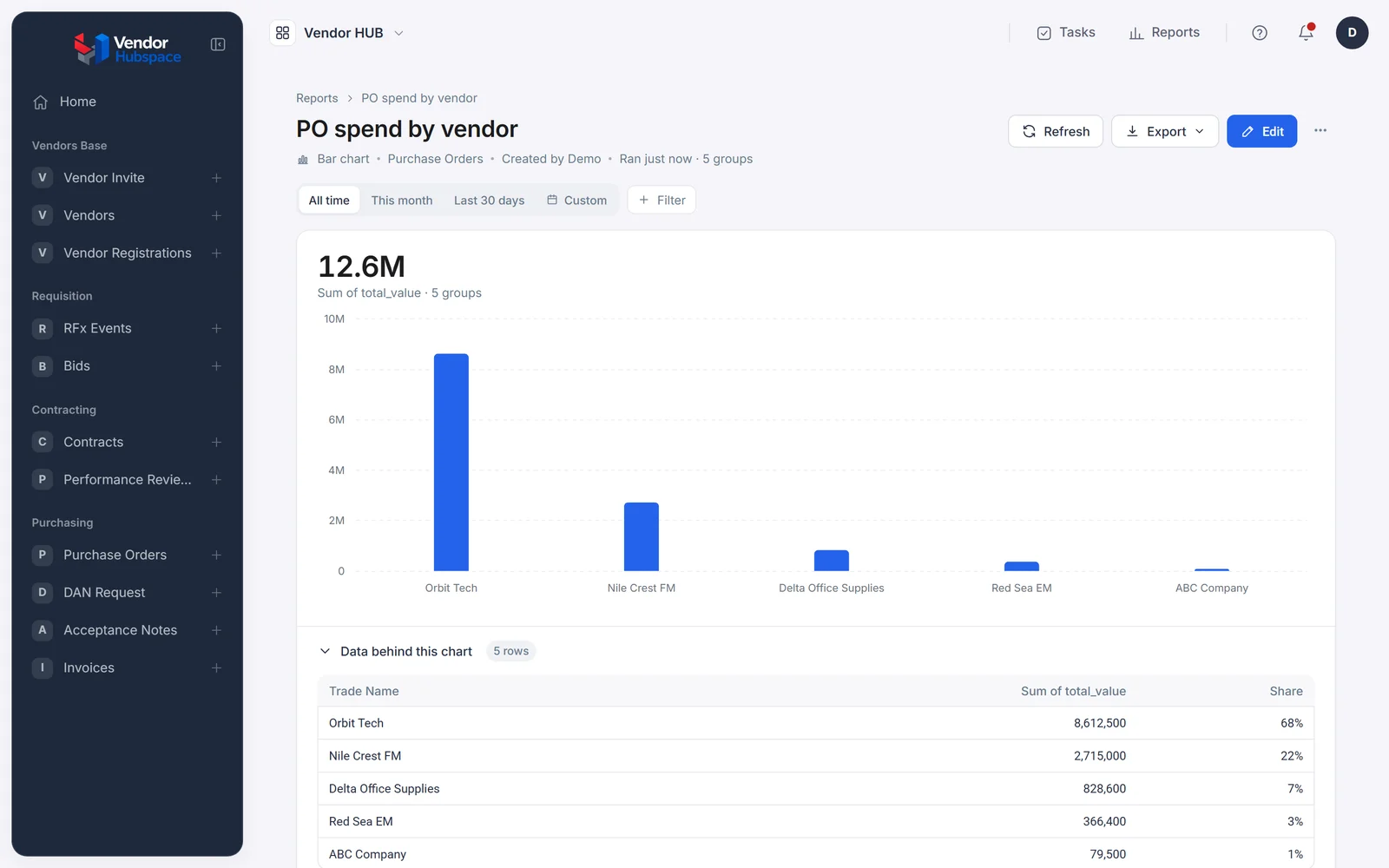
We reuse onboarding and approvals. The portal adds the supplier's view. Orders also serve production.
Invoices post through the Integration Hub or REST step. Use a Web Agent without APIs.
Onboarding and KYC
Also runs lending and HR
Contracts and documents
Also runs leasing and HR
Purchase orders
Also runs production
Three-way matching
Also runs procurement
External portals
Also runs collections agencies
Ledgers
Also runs lending and production
Yes. They log in and follow guided registration in their language.
Supplier actions join your procurement records. Your acceptance check controls invoice submission.
Invoicing requires an issued purchase order and accepted delivery note. The system checks both.
Your first process is running in weeks.
Yes. Start with onboarding or RFQs, then attach the next process.
Yes. Upload your Excel records through the import template.
Yes. Rules and access differ by department or entity.
Yes. Users choose Arabic or English, including right-to-left layouts.
Yes. Through the Integration Hub, via an aggregator or your WhatsApp Business account.
In your Beezr workspace, with permissions and history. Beezr Shield encrypts fields.
Bring onboarding. We build around your document policy. RFQs and invoicing attach.